

 TRUSTED BY 3.5+ MILLION USERS
Reframe 16:9 to 9:16 with face tracking
AI Reframe turns a 16:9 recording into a 9:16 clip by detecting faces, following whoever is speaking, and moving the crop with smooth, held camera moves instead of jittery tracking. It is for clippers, podcasters, and streamers who need vertical clips where the speaker is always in frame.
Face detection and speaker tracking keep the talker centered as the crop moves from widescreen to vertical.
Reframe a Video Now
Web-Based Editor.Full control with our web editor.Feels like magic.
Try Crayo Now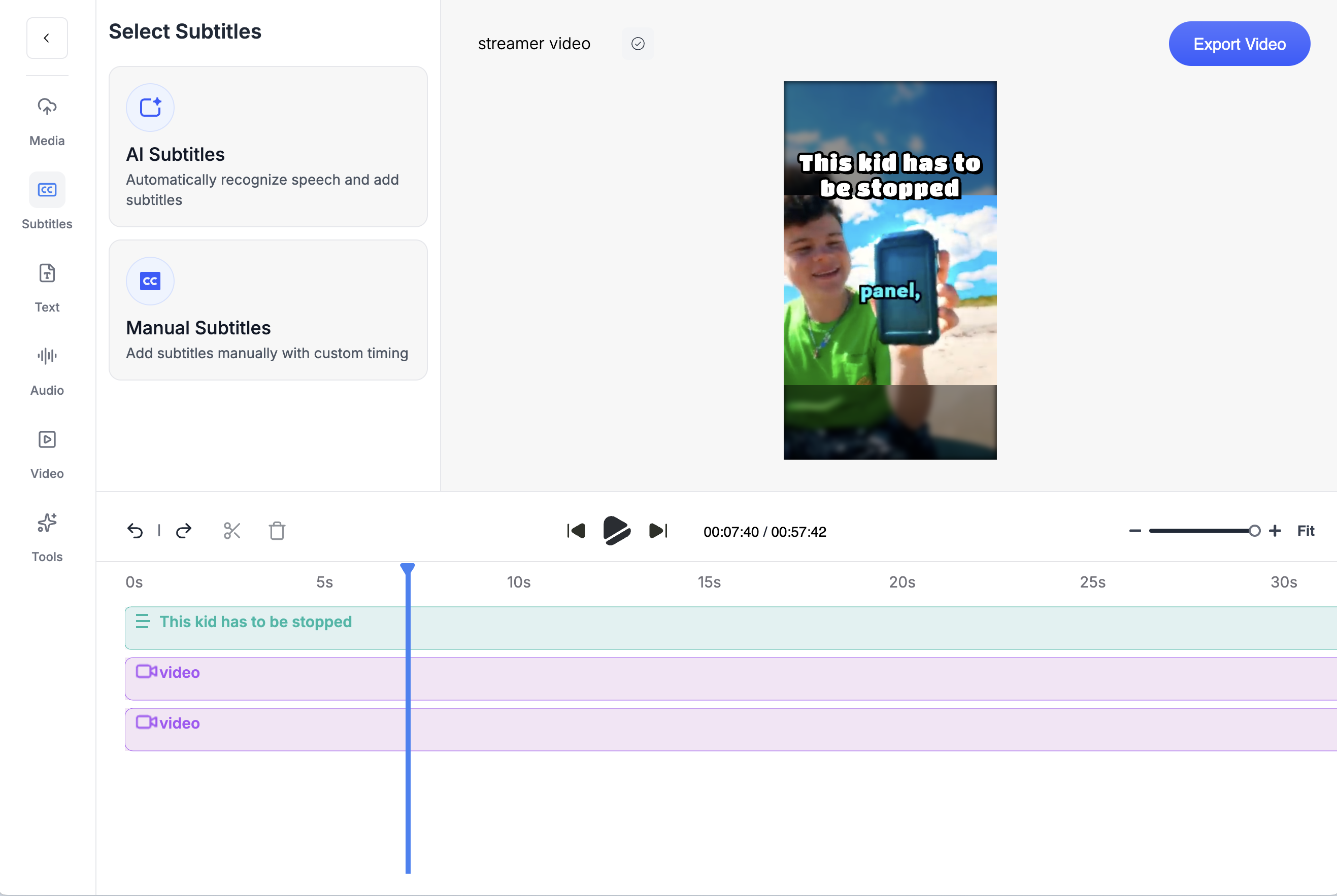
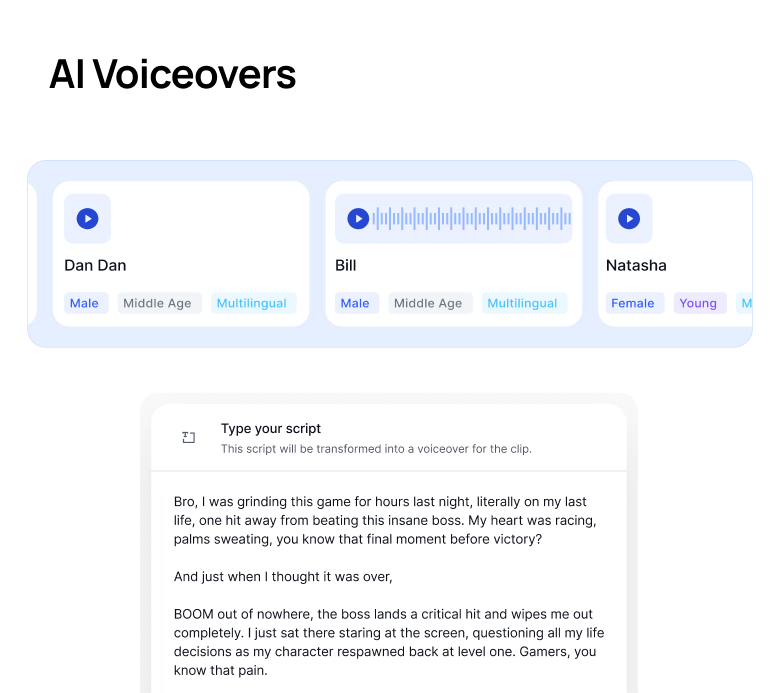
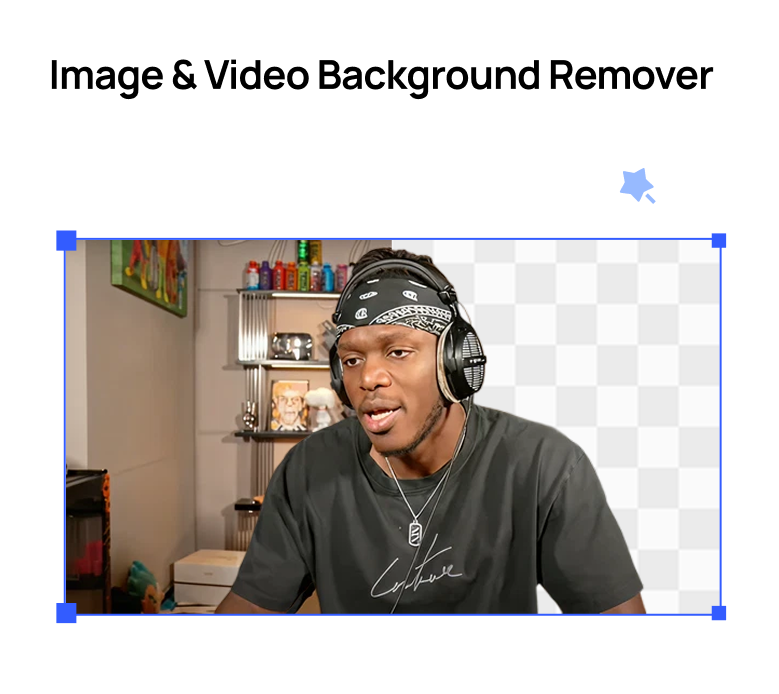
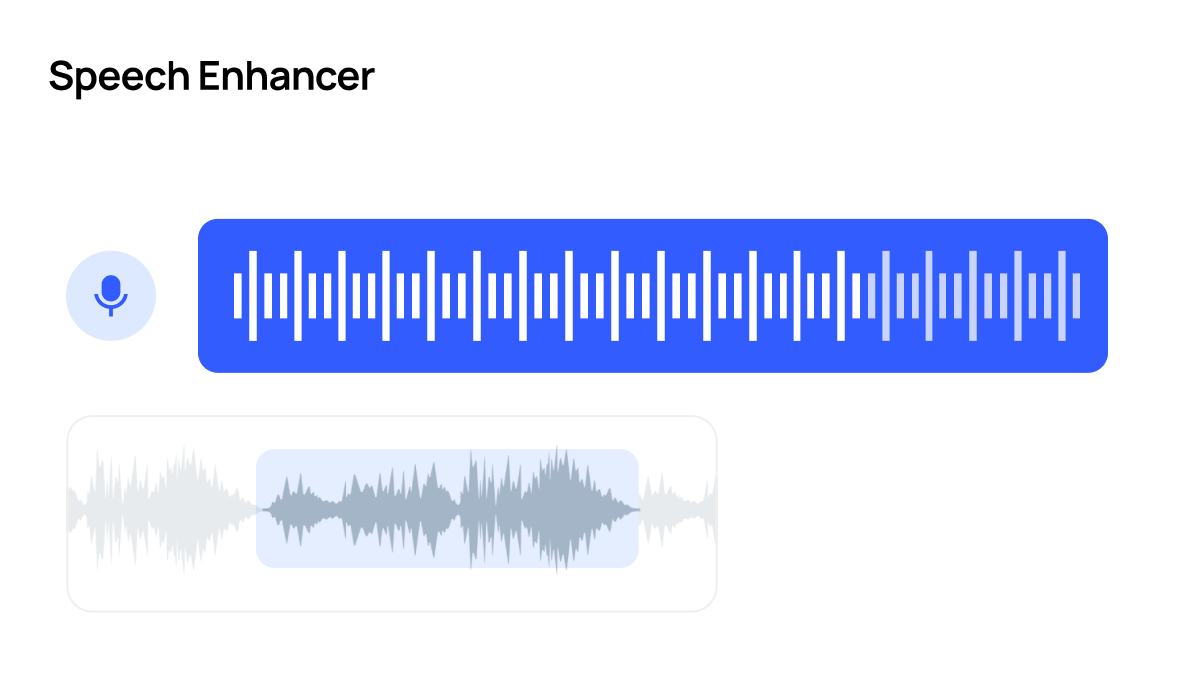
Countless ToolsCrayo has everything you need to go viralFrom cutting-edge speech enhancement to downloading videos, we've got you covered.
Try Crayo Now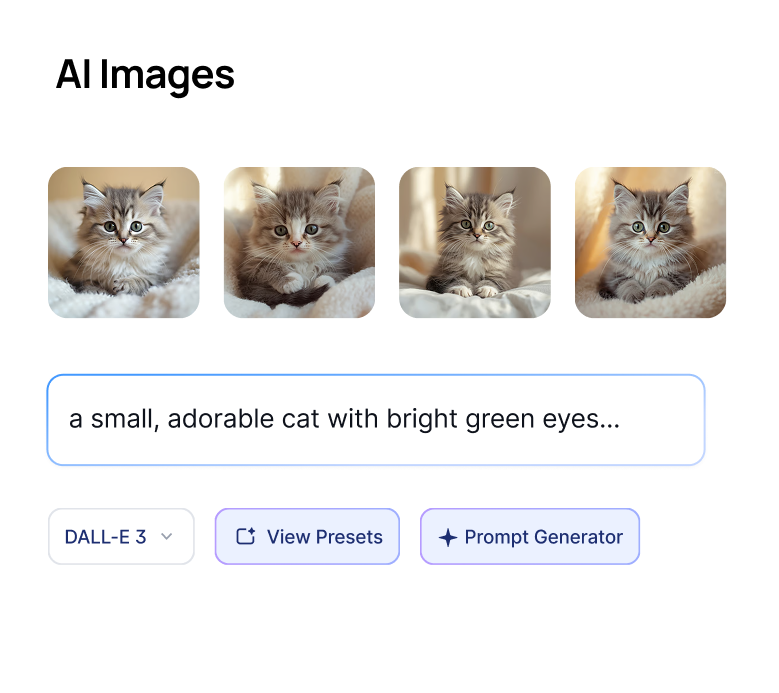


Crayo Has Generated Billions of Views.
For Millions of Clippers.See What Our Users Are Saying
5 → 400
posts a week
Cutting one podcast episode used to take me about four hours. Now I upload it to AutoClip and have 12 clips ready before lunch. I went from 5 posts a week to 20 without hiring an editor.
 Dave
1 tab
from the moment to the final cut
Every other clipping tool stopped at the export, so I’d still end up in CapCut fixing things. With Crayo I let AI find the moment, then fix the cut and captions in the same tab. I cancelled CapCut last month.
 James
2M
views from 30 clips
I started clipping podcast campaigns in September. My first 30 Crayo clips did 2 million views, and one hit 600k on its own. The captions are the first thing people comment on.
 Jonathan
Keep exploring
Auto Clip
Upload a long-form video and let AI find the best moments, then cut them into ready-to-post clips.
FeatureVideo Crop
Reframe any video for TikTok, Reels, or Shorts with precise cropping presets for every platform.
FeatureVideo Editor
A multi-track timeline with captions, zooms, transitions, LUTs, speed ramps, cutaways and camera keyframes. No install, no watermark on any plan.
Use casePodcast Clips
Drop in an episode, or just a YouTube link, and let AI find the moments worth posting. Captions, vertical crop, and clean audio included.
ComparisonCrayo vs Opus Clip
Crayo vs Opus Clip, with dated prices. Opus Clip charges 1 credit per minute uploaded. Crayo charges 1 credit per finished clip, ranks moments before you cut and puts a timeline editor on every plan.
ComparisonCrayo vs Vizard
Crayo vs Vizard with dated prices. Vizard meters per uploaded minute and has a free tier. Crayo ranks moments before you cut, charges per finished clip and puts a timeline editor on every plan.