Editors invest significant effort in refining visuals by selecting the right clips, managing pace, and employing innovative types of video editing techniques. Yet integrating an AI-generated voiceover that complements carefully crafted visuals remains a challenge when the narration sounds mechanical. Proven methods quickly transform robotic speech into natural, engaging narration that resonates with viewers.
Practical techniques enable content creators to adjust tone, incorporate natural pauses, and infuse personality, elevating overall video quality. When visuals and narration work in harmony, every project becomes more compelling. Crayo's clip creator tool offers a streamlined approach to achieving authentic-sounding voiceovers without the hassle of complex adjustments.
Summary
- AI voices sound robotic because creators rely on default settings, write scripts as academic papers rather than spoken dialogue, and omit the emotional markers that make speech feel alive. The technology itself isn't the problem. The problem is treating AI as a text reader rather than a performance instrument that requires direction. Modern AI voice systems can sound natural when properly controlled through script structure, pacing, emotional emphasis, and voice modulation settings.
- When your AI voice sounds robotic, you're losing watch time, authority, conversions, and momentum. Platforms like YouTube and TikTok prioritize retention, and if people swipe away in the first three seconds because flat delivery triggers a subconscious skip reflex, your distribution shrinks. The algorithm interprets early exits as a quality signal, and your reach contracts accordingly. Marketing psychology research consistently shows that vocal delivery affects perceived credibility, and tone influences how trustworthy and competent a speaker appears.
- Natural speech patterns differ fundamentally from written language. Research in speech psychology shows that natural spoken sentences are shorter and less grammatically rigid than written ones. When AI reads written text, it sounds unnatural because its rhythm doesn't match how humans actually speak. Humans speed up during excitement, slow down for emphasis, pause naturally between thoughts, and change pitch mid-sentence to signal importance or emotion, while default AI output removes those variations.
- Studies in communication psychology show that vocal delivery affects persuasive impact and message acceptance. Emotionally expressive delivery increases engagement and the likelihood of a response. If your AI voice doesn't emphasize benefits, doesn't pause before key points, and doesn't shift tone during calls to action, your conversion rate drops. The difference between flat automated delivery and human-toned delivery directly impacts clicks and audience response.
- Most creators troubleshoot audio quality by adjusting volume, EQ, or compression, but those fixes address symptoms, not causes. According to the Obsibrain Blog, 70% of projects fail due to poor implementation. If the script structure is robotic, no amount of post-production polish will make the voice sound human. The implementation gap isn't technical skill; it's sequence: script first, tone second, audio last.
- According to AQE Digital, 90 percent of customers expect immediate responses, and slow production cycles directly erode engagement. Crayo's clip creator tool addresses this by automating voice optimization, pacing adjustments, and expressive tone selection on a single platform, enabling creators to generate video-ready outputs in minutes rather than toggling between script editors, voice generators, and audio tools.
Why AI Voices Still Sound Robotic
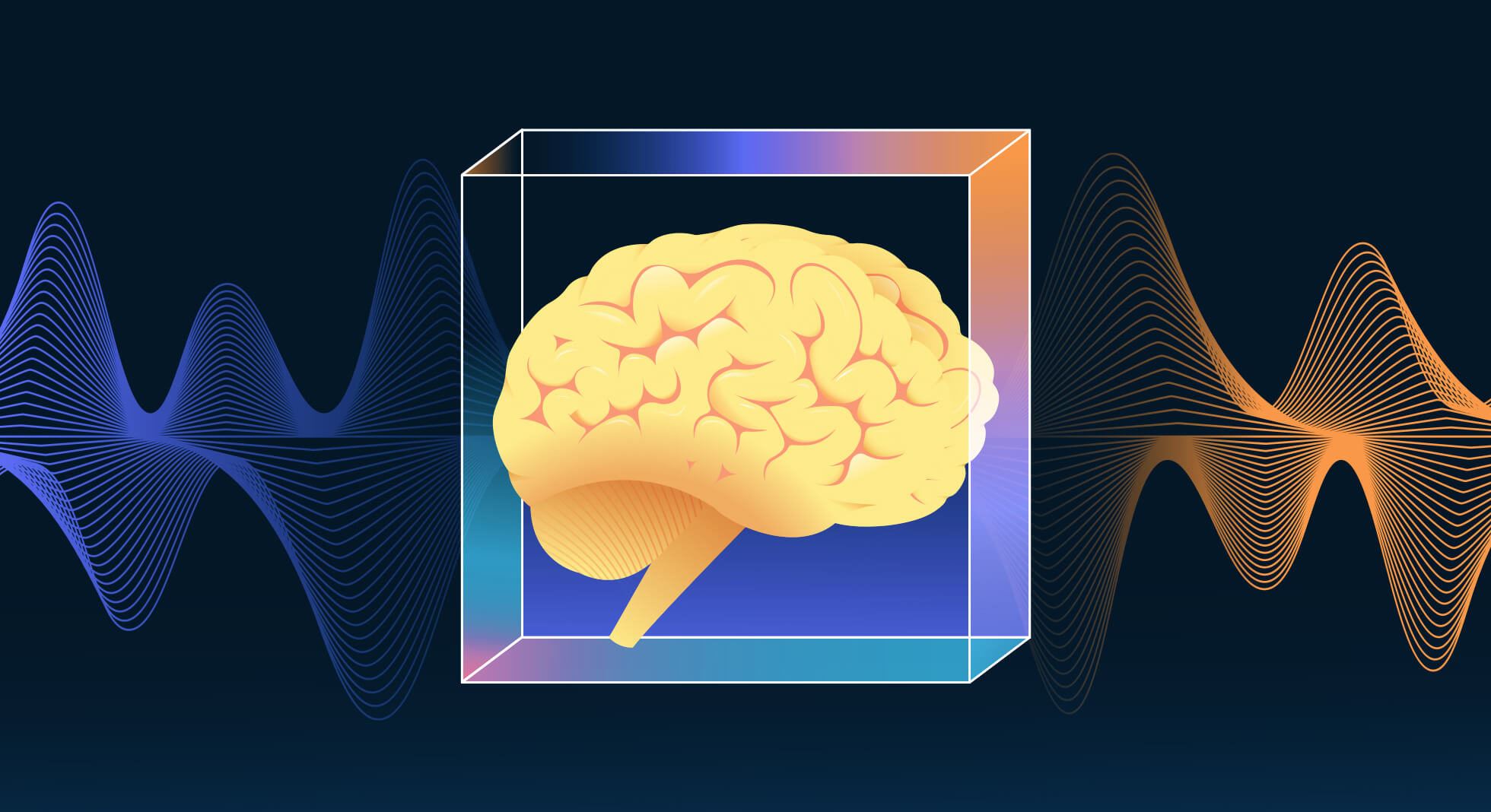
AI voices sound robotic because creators often stick to default settings and write scripts like academic papers rather than using real spoken dialogue. They miss the emotional cues that make speech lively. The technology itself isn't the issue. The issue is treating AI like a text reader rather than a performance tool that needs guidance.
When using basic text-to-speech tools, the system reads at a fixed speed, has a limited pitch range, and places the same emphasis on every sentence. It completely ignores conversational rhythm.
Humans don't talk like that. We speed up when we're excited, slow down for emphasis, pause naturally between thoughts, and change pitch mid-sentence to convey importance or emotion. Default AI output removes those variations, resulting in a flat, mechanical sound that can lose audiences' interest.
How does AI voice delivery compare to human delivery?
Take this line: "This strategy could double your revenue."
Flat AI delivery reads it evenly, giving equal weight to every word.
A human voice might say: "This strategy... could DOUBLE your revenue; you can enhance this experience using our clip creator tool to make it more engaging."
The difference is emotional contrast. One version informs. The other convinces.
Why are AI scripts often written like academic papers?
Many creators write AI scripts like blog posts. They use long sentences, perfect grammar, and avoid contractions. This often results in dense paragraphs packed with information.
Spoken language, however, is very different from written language. Research in speech psychology shows that natural spoken sentences are shorter and less strict about grammar than their written versions. When AI reads text written in a formal style, it can sound unnatural because the rhythm doesn’t match how people actually speak.
What is the difference between written and spoken language?
Written language often uses formal phrases such as "Using artificial intelligence tools can really improve content efficiency."
On the other hand, spoken language is usually more casual, like in "Using AI tools can seriously speed up your content."
One phrase sounds more academic, while the other sounds more human. In this situation, AI isn't robotic; it's the script that may seem mechanical. Our clip creator tool makes it easier to transition between these two communication formats.
How do emotional markers affect AI voice delivery?
Humans convey feelings through brief pauses, changes in tone, emphasis on certain words, and slight changes in volume. If scripts lack emotional markers, AI won't know where to place emphasis; it reads without any feeling.
When everything sounds equally important, nothing feels significant. This can cause the audience to lose interest.
Why do audiences tune out when using AI voices?
The pattern repeats across platforms. Creators make voiceovers, upload videos, and wonder why retention drops after the first five seconds.The content is good, and the visuals are clear, but the voice sounds stiff, causing viewers to swipe away.
You might not notice a robotic tone intentionally, but your audience does, even subconsciously. As a result, retention declines, trust declines, and comments become less friendly. Ultimately, watch time suffers.
What does research say about audio perception?
Studies on audio perception show that humans can detect unnatural speech rhythm within milliseconds. When the pacing feels off, listeners lose interest quickly. On platforms such as YouTube and other short-video sites, the first five to ten seconds are crucial for keeping viewers engaged.If the voice sounds stiff at this critical moment, viewers are more likely to leave. Our clip creator tool helps ensure your audio maintains the right rhythm and effectively engages your audience.
Is it possible to control AI voice quality?
Many creators believe that AI voices sound fake by default or that, to achieve professional quality, you need to hire a voice actor. This idea comes from early AI tools that often sounded stiff and monotone.However, modern AI voice systems can sound natural when properly configured.
The difficulty lies not in the technology itself but in script structure, pacing, emotional emphasis, and voice modulation settings. Once these parts are adjusted, AI voices can shift from robotic to intentional.Platforms like Crayo make this easier by automating voice-over adjustments to match the message tone. This allows creators to focus on content that connects rather than on struggling with audio settings.
What are the potential costs of ignoring voice quality?
Even with the right tools, overlooking voice quality can lead to hidden costs that many creators overlook. Using our clip creator tool ensures that voice quality remains a priority, helping creators avoid these unforeseen expenses.
Related Reading
- Best AI Voice Generator App
- How To Voice Over A Video On Iphone
- Is Voice Ai Safe
- Will Ai Replace Voice Actors
- How To Use Ai Voice Generator
- How Do Ai Voice Generators Work
- Can I Use Ai Voice For Youtube Videos
- Voice Cloning Technology
- How To Do A Voiceover On Imovie
- How To Use AI For Voice Over
- How To Do AI Voice On Tiktok
The Hidden Cost of Robotic Voiceovers
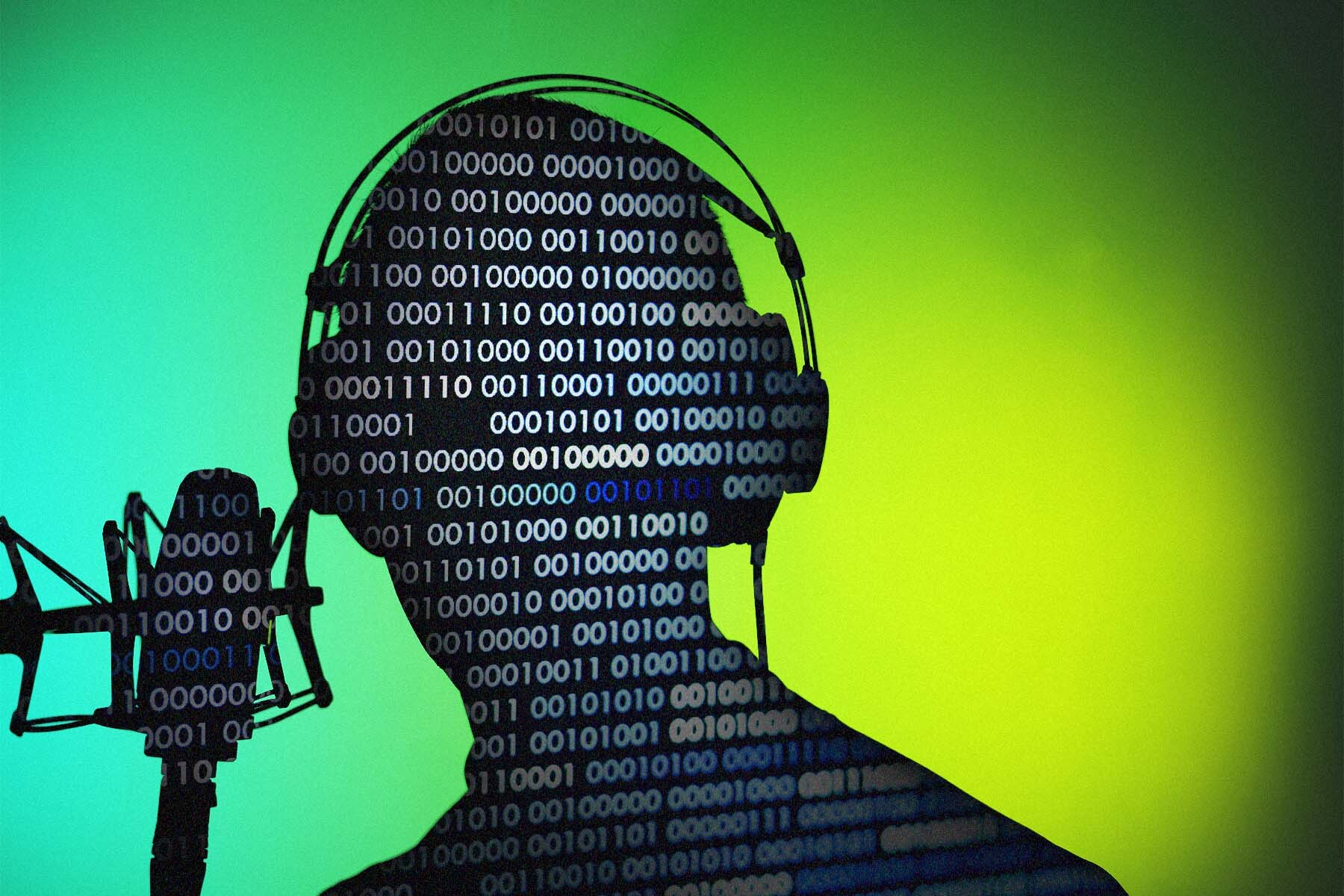
When your AI voice sounds robotic, you're not just losing audio quality. You're also losing watch time, authority, conversions, and momentum. The frustrating part is that most creators troubleshoot the wrong things, while the real problem is easy to see.
Viewers leave quickly not because your content isn't valuable, but because a flat delivery makes them skip it subconsciously.
Platforms like YouTube and TikTok focus on retaining audience attention. If people swipe away within the first three seconds, your reach declines. The algorithm sees early exits as a sign of low quality, which leads to less distribution.
Robotic AI voices lack tonal variation, so they don't convey emotional shifts. They fail to create anticipation, creating friction that viewers feel but may not express.
How do different voice deliveries impact viewer engagement?
Two identical videos. Same script. Same visuals.
Video A uses a flat AI voice with no tonal variation.
Video B uses a human-like pace, natural pauses, and emotional emphasis.
Video B keeps people watching longer. This difference adds up over time. If 10% more viewers stay past the 30-second mark, your reach gets bigger. If they leave in five seconds, your growth stops. Our clip creator tool can help you enhance voice delivery, making your videos more engaging.
What psychological effects do robotic voices have?
That's not a sound issue; it's a visibility issue.
People unknowingly link tone with trust.If your AI voice sounds hurried, flat, or overly artificial, the brain perceives it as low-effort, which can affect its effectiveness.
This is true even if your editing is polished and your script is excellent.
Marketing psychology research shows that how someone speaks impacts how credible they seem. Tone affects how trustworthy and skilled a speaker appears.This difference is especially important in areas such as business, finance, coaching, tech reviews, and education, where authority matters. Our clip creator tool helps ensure your voiceover matches your message's tone, enhancing credibility.
A robotic voice decreases authority perception. This leads to fewer conversions, reduced trust, and increased skepticism.
Do AI voices contribute to content sameness?
It might seem the niche is too competitive, but the real issue is delivery quality.
AI voice generators are widely available, yet many creators use the default settings. They often skip adjusting the pacing and forget to customize the emotional range.
The outcome is clear: the same cadence, tone, and rhythm across dozens of videos.
In a crowded content space, sameness hurts growth. If your audience cannot tell your voice apart from five other channels, you risk becoming background noise. This background noise does not help build influence. To stand out, consider using our clip creator tool to easily customize your audio for a unique delivery.
How can creators optimize voice delivery?
Creators who have built large audiences understand this instinctively. When making content every day, speed matters. But speed without differentiation leads to a lot of content that doesn't really matter.Tools like Crayo help with this by automating voiceover customization to match the tone with the message. As a result, creators can maintain an authentic delivery without manually editing audio. This distinction is very important because keeping the audience’s attention affects how far the content reaches.
Voice tone has a big effect on persuasion. Studies in communication psychology show that vocal delivery affects how persuasive a message is and how well it is accepted. Emotionally expressive delivery boosts engagement and response rates, making it a crucial part of effective communication.
What are the impacts of different calls to action?
If your AI voice doesn't emphasize benefits, pause before key points, and change tone during calls to action, your conversion rate drops.
Flat CTA: "Click the link below to download the guide."
Human-toned CTA: "If you want the exact system I use, click the link below. It's free. Our clip creator tool helps you craft personalized calls to action that engage your audience more effectively!"
The second option feels intentional, while the first one feels automated. This difference affects click rates.
Are creators misidentifying the source of viewer disengagement?
When engagement is low, many creators think their script isn't strong enough, their visuals need work, or maybe they're in the wrong niche.
To fix this, they often rewrite scripts, redesign thumbnails, and change formats.
But the actual problem might come from voice realism.Our clip creator tool can help simplify the process and enhance the viewer’s connection.
This method creates extra work. As a result, creators often fix everything except the bottleneck.
What happens to content that lacks engaging delivery?
One creator explained that they posted two to three shorts per day but noticed that views flatlined and felt ignored by the algorithm. This happens frequently: people often swipe away within the first two seconds, and the average view duration is low. Content can appear spammy to viewers, even if the information is solid.
The problem wasn't the amount of content posted; it was how it was delivered. Dry AI-generated scripts, combined with robotic voices, create an uncomfortable feeling for viewers. They usually skip or block content they perceive as inauthentic, which signals to the algorithm that it is of poor quality. To enhance delivery, consider using our clip creator tool for a more engaging presentation.
How does volume versus quality impact content performance?
Uploading multiple low-retention videos each day signals to the algorithm that performance will be poor. On the other hand, one high-retention short can do better than fifty low-retention videos. So, quality retention is more important than simply producing many videos. Our clip creator tool streamlines the production of engaging, high-quality content.
It's easy to think that AI voice quality doesn't matter because early AI tools sounded robotic. Still, many viral videos use basic AI narration. Content advice usually focuses on value over production quality.
Indeed, the value of content is very important. However, delivery boosts that value; poor delivery can significantly reduce its perceived value.
What are the advancements in AI voice technology?
AI voice tools have evolved significantly. The difference between robotic and human-like output largely depends on how you set them up and the scripts you use, not on what they can do.
The problem isn't that AI can't sound human; it's that many creators don't optimize their use of the technology. This optimization gap impacts watch time, authority, conversions, brand uniqueness, and growth speed.Our clip creator tool helps with fine-tuning scripts to achieve a more human-like delivery.
The frustrating part is that these problems can be resolved once you identify the underlying issues.
However, fixing these problems requires knowing which changes really make a difference.
Related Reading
- Ai Voice Cloning Scams
- Voice Over For E-learning
- Voiceover Industry Classification Categories
- How To Do A Voiceover On Canva
- How To Do A Voiceover On Google Slides
- How To Add Voiceover To PowerPoint On iPad
- How To Do Voiceover On Capcut
- How To Do A Voiceover On PowerPoint
- How To Add Voiceover To Instagram Reels
- How To Add Voiceover To Instagram Story
- How To Screen Record On Mac With Voiceover
10 Ways to Make AI Voices Sound Human in 10 Minutes
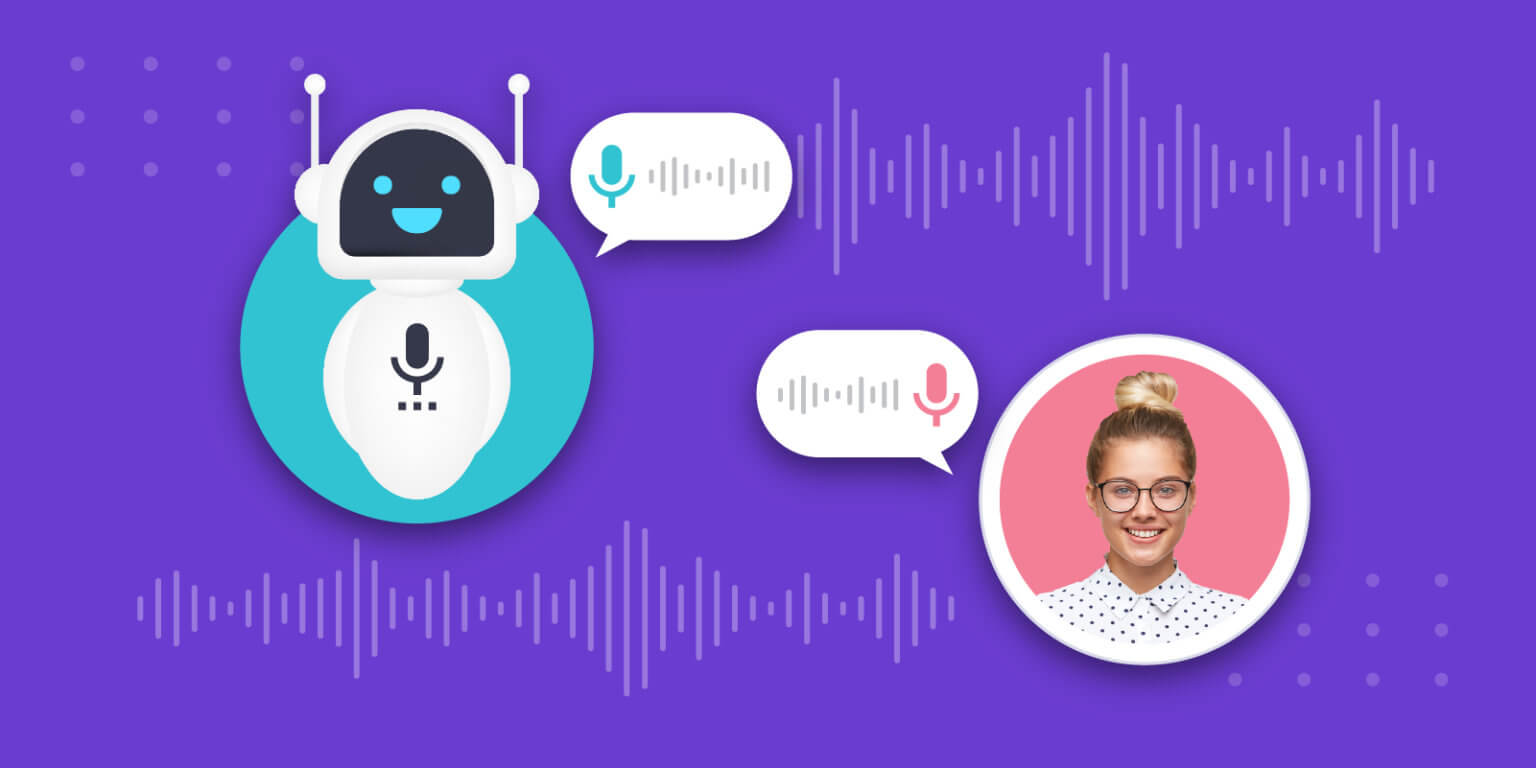
You don't need a new microphone or a professional voice actor, and you don't need hours of tweaking.
AI voices often sound robotic because of script structure, pacing, tone design, and delivery configuration; it's not that AI can't sound human.
Here are 10 practical changes you can make right away.
1. How can you shorten sentences and improve phrasing?
Shorten sentences, add contractions, and remove academic phrasing.
AI reads exactly what you write. If the script sounds like an essay, the voice will sound stiff.
Instead of: "In this video, we will explore several strategies that can help optimize your workflow."
Write: "Let me show you how to fix this fast." This approach creates a more natural rhythm.
The result is improved engagement and reduced stiffness in delivery.
2. Why is pacing important for AI voices?
Insert short line breaks or punctuation to control pacing.
Example:
Here's the problem.
You're losing watch time.
And you don't even realize it.
Human speech has micro-pauses. Without them, AI sounds rushed.
Improved retention and emotional pacing follow naturally. Our clip creator tool helps you adjust pacing effectively to improve audience engagement.
3. How does playback speed affect AI voice clarity?
Most AI tools deliver content too quickly. This can make it harder to understand.
Slowing playback by 5-10% can improve the listening experience.
A slower pace can mimic thoughtful speech and significantly improve clarity, helping listeners understand the content more easily. Our clip creator tool can help you tailor audio to your needs, further enhancing engagement.
While playing at speed 1.0 feels robotic and rushed, playing at speed 0.92 encourages clear conversation, making communication more interesting.
4. What tone should AI voices have?
AI voices should convey more authority and have a less synthetic feel. This creates a stronger connection with listeners.
Like human voices, AI tones should vary by context. Changing the tone makes it more engaging.
It's important to emphasize contrast words like "But," "Instead," "Here's the truth," or "The real reason." These words help to make the message clearer.
When using AI voice generators, choose expressive or dynamic tone profiles rather than a plain "neutral" presentation.Our clip creator tool ensures your voice choices enhance the overall impact.
This way, your message feels more intentional and impactful, rather than flat.
5. How should you structure script paragraphs?
If you paste a full paragraph, AI reads it as one block.
Chunk scripts into thought beats.
Instead of: "This is the biggest mistake beginners make when editing their first video because they focus on effects instead of storytelling, which makes the final output feel disorganized and amateur."
Use:
Here's the biggest mistake beginners make.
They focus on effects.
Instead of storytelling.
Cleaner delivery. More persuasive flow.
6. How can you make your script more engaging?
Human speech relies on direct engagement to capture attention.
Using phrases such as "You've probably noticed...," "Here's what most people don't know," or "Let's fix that" can help people relate.
AI is perceived as more human when the script is interactive, thereby encouraging viewer engagement.
This results in longer watch time and a stronger connection with the audience.
7. What are the effects of speech rhythm?
Real humans often start sentences with 'And,' use fragments, and pause mid-thought.
When grammar is too perfect, it creates a robotic rhythm.
For example, consider the difference between "Therefore, it is important to optimize your editing workflow" and a more relaxed phrasing.
A more human approach might be: "And that's why this matters."
This style fosters a more natural conversational tone.
8. How can ambient music improve AI voiceovers?
Even great AI voices feel lonely in silence.
Add soft background music at 5-10% volume.
People rarely speak in complete silence in the media.Background sounds make it feel more real.
This gives a more cinematic vibe. It reduces the AI's room effect.
9. Should tone vary by content type?
Not every video needs the same tone. Picking the right tone can make a bigger impact.
For finance content, it's useful to use calm, confident voices. On the other hand, sports content works best with an energetic, lively style. Tutorials should use a warm, friendly tone, while documentaries should adopt a steady, storytelling approach.
Many creators maintain a single voice across all topics, which can undermine their credibility and attract fewer viewers.
The voice chosen should match the content's emotion, making the persuasive part even stronger.
10. What tools should you use for optimal results?
Some AI tools focus on automation, while others emphasize vocal realism.
Using a tool with limited tone control, a flat sound at higher speeds, or a lack of emotional variation can lead to frustrating output each time.
Most creators make voiceovers in one tool, edit in another, and manually change pacing in a third. This workflow is time-consuming and creates inconsistencies.
According to AQE Digital, 90 percent of customers expect immediate responses. Therefore, slow production cycles can greatly affect engagement.
Tools like Crayo make this process easier by automating voice optimization, pacing adjustments, and expressive tone selection all in one platform designed for short-form content.
What are the benefits of cleaner production?
Instead of switching between apps, you can create video-ready outputs in just a few minutes, using voices that match your message.
Cleaner production leads to a faster workflow and more human-sounding results.
Before: Flat tone, low retention, weak emotional engagement, and poor CTA performance.
After: Controlled pacing, a conversational tone, and emotional emphasis lead to higher watch time and stronger conversions, as shown by the increase in watch time. Stronger conversions.
What is the key to effective AI voice?
The difference lies between optimized AI and default AI, rather than between AI and humans.
Knowing what to fix is only part of the solution; it prepares us for putting effective solutions into action. Our clip creator tool streamlines the process with intuitive features that make it easy for users to make those improvements.
The real challenge is turning this knowledge into clear steps that improve AI performance.
10-Minute Implementation Plan
The gap between knowing what sounds robotic and actually fixing it closes faster than most creators expect. You don't need hours of trial and error. You need a clear step-by-step process that covers script structure, tone control, and delivery pacing all in one session.
Here's the exact process.
How do you start the script revision?
Open your script. Read the first sentence aloud.
If it sounds like something you'd write in an email, rather than something you'd say to a friend, rewrite it.
Shorten sentences. Add contractions. Replace formal phrasing with direct language.
Before: "Utilizing these strategies will significantly enhance your content performance metrics."
After: "Use these strategies. Your content will perform better."
The second version is easier to read, sounds natural when spoken, and creates a better rhythm for AI delivery.
What changes improve the script's natural sound?
Removing academic phrases makes the script read more smoothly. Use words like "you," "here's," and "let's." Shorten long paragraphs into smaller parts; every line should feel like a spoken thought instead of a formal statement.
Your script already sounds 40% more natural before audio generation begins, thanks to tools like our clip creator.
Human speech is dynamic; dull scripts lead to dull AI delivery.
How to create rhythm and emphasis?
Add contrast transitions. "But here's the real problem..." or "Instead, try this..." signal a tonal shift.AI tools with expressive settings pick up on these cues and adjust delivery accordingly.
Insert natural pauses using line breaks. If you want the voice to breathe before a key point, add space in the script.
Example:
Here's what most people miss.
Speed matters less than clarity.
And clarity comes from pacing.
Highlight emphasis words. If a sentence contains a critical insight, place that word on its own line or surround it with punctuation that forces a pause.
You create rhythm instead of monotone narration. The script now guides the AI toward conversational delivery.
How to utilize AI voice tools effectively?
Begin by pasting your revised script into your AI voice tool. This sets the foundation for effective synthesis.
Select a conversational or expressive voice profile instead of the default (neutral) option. Neutral voices often lack emotional depth, while expressive voices add variation, making them more engaging.
Adjust the speed a little; most tools start at 1.0. Think about lowering it to 0.9 or 0.95. A slower pace sounds more thoughtful, which helps improve clarity.
What to do if the output feels stiff?
Regenerate the output if the first version feels stiff. Small changes in speed or tone can make a big difference in realism. Our clip creator tool helps to refine these adjustments effortlessly.
Instead of generating once and sticking with the default tone, you can intentionally control pacing and emotional energy. Our clip creator tool allows you to make those adjustments seamlessly.
This method makes sure the voice sounds intentional, not synthetic.
How to enhance audio realism?
Pure, isolated AI audio feels unnatural. Even subtle sound design can significantly enhance realism.
Think about adding low-volume background music. Keep it at 5-10% volume. The goal isn't to create a soundtrack; it's to remove the empty silence that makes AI voices feel disconnected. Our clip creator tool can help you perfect these audio elements.
Trim awkward pauses for a smoother listening experience. If the AI pauses too long between sentences, cut the dead space.On the other hand, if it rushes through a transition, add a beat.
How to refine key points in your audio?
Slightly change emphasis if needed. Most tools let you change specific words or phrases after they are created. If an important point sounds boring, rephrase it with greater emphasis. Our clip creator tool can help you enhance your content effectively.
Your video should seem produced, not just generated.
Ask: 'Does this sound like something I would really say?'
If it doesn't, shorten the content.Add pauses, slow down, and balance the tone.
What should you avoid in your audio editing?
Avoid adding too many effects or editing tricks; this can make things too complicated.
Human sound works best with simplicity. When you add more layers to a weak script, the overall quality gets worse. On the other hand, improving the script itself improves AI performance. Our clip creator tool can help streamline your editing process.
What common mistakes do creators make?
Most creators improve audio quality by adjusting volume, EQ, or compression. But these fixes address only symptoms, not the underlying problems. According to the Obsibrain Blog, 70% of projects fail due to poor implementation. This same idea applies here. If the script structure sounds robotic, no matter how much you polish it later, the voice won't sound human. The gap in implementation isn't about technical skill. It's about the order. Script first. Tone second. Audio last.
How can tools like Crayo improve workflow?
Platforms like Crayo make work easier by automating tone matching, pacing adjustments, and expressive delivery all in one place.Instead of switching between script editors, voice generators, and audio tools, users can create video-ready outputs in just a few minutes with voices that fit their message. This leads to cleaner production, faster workflow, and more human-sounding results.
What is the real reason AI sounds robotic?
Most creators think AI sounds robotic because it's AI.
In reality, AI sounds robotic because scripts are robotic.
When you write in a conversational way, control the pacing, adjust the tone, and add structure, AI voices become much more natural.
The technology isn't the problem. The process is.
Once you fix the process, the output changes immediately.
But knowing the process is one thing. Consistently applying it is where most creators get stuck.
Make Your AI Voice Sound Human Right Now
The script you've already written is the foundation. What matters now is applying the process without second-guessing.
Open the Crayo AI voice tool and paste the revised script into it. Choose a conversational tone profile and adjust the speed to 0.9 or 0.92. Generate the voiceover.If it sounds flat, adjust the emphasis on transition words such as "but," "instead," or "here's the truth." Add light background audio at 8% volume before exporting. This sequence transforms your work in just ten minutes, creating a voiceover that feels intentional rather than automated.
Creators who build momentum consistently are not perfectionists. They are practitioners who optimize their approach once and then replicate the process across every video, leading to compounded consistency that outpaces sporadic brilliance.
Related Reading
- AI Voiceover Generation Tools
- Uberduck AI Alternative
- Play.ht Alternatives
- Murf AI Vs Elevenlabs
- Murf AI Alternatives
- Speechify Alternative
- Wellsaid Labs Alternative
- Resemble AI Alternative
- Lovo.ai Alternative Free
- Elevenlabs Alternative