After recording a perfect track, artists face the challenge of converting raw footage into a music video that captures the song’s energy. Studio-quality videos require precise techniques such as synchronizing visuals to music, color grading, and effective layering of effects, all of which are central to video editing.
Modern software streamlines these demanding tasks, allowing creators to focus on artistic vision rather than technical hurdles. Complex processes such as transitions and beat matching become manageable, and Crayo's clip creator tool provides an efficient solution that accelerates production without compromising creative control.
Summary
- Music video editing requires rhythm synchronization, color grading, and motion graphics, yet many creators treat them as afterthoughts rather than the foundation of professional work. Analysis of over 1,101 music videos in 2025 found that color grading was a clear indicator of amateur versus professional production quality. Raw footage lacks the emotional structure that engages viewers, and without post-production sculpting, even expensive cameras produce lifeless results that lose viewer attention within the first 15 seconds.
- Inefficient editing tools increase post-production time by 35-45% for creators working with high-resolution footage, according to a 2022 workflow report. This isn't just wasted time; it's creative decisions you never make because testing variations costs hours you don't have. When rendering takes 40 minutes for a three-minute video, you stop experimenting and commit to single exports instead of iterating. Poor interface design can increase task time by up to 50 percent in creative software, turning editing sessions from satisfying to exhausting and reducing how often you create.
- Creators with high production quality portfolios earned over twice as much as those with basic edits in a 2021 survey. The market rewards polish, and export settings determine whether your work gets judged on merit or dismissed before the first verse ends. Basic editors use default codecs that prioritize file size over quality, resulting in videos that look amateurish even when the creative decisions were sound. Platform-specific optimization prevents double compression, which destroys detail in high-motion sequences.
- The gap between professional and consumer editing tools has narrowed significantly by 2026, with automation features now standard in mid-tier editors that previously required enterprise budgets. Speed isn't about rushing; it's about removing friction between vision and finished video so you can test ideas faster, post more frequently, and respond to trends while they're still relevant. Artists who grow fastest aren't necessarily more talented; they're more consistent, and consistency requires workflows that don't exhaust you before publishing.
- Videos ranking on YouTube's first page average 14 minutes and 50 seconds, suggesting that longer-form content requires more complex organization to maintain viewer attention over extended runtimes. The average U.S. adult spends 48.7 minutes watching YouTube content daily, indicating viewers have come to expect professional presentation standards across all video content. Poor organization during the preparation phase multiplies subsequent editing decisions, diverting mental energy from creative pacing to file management.
- Crayo's clip creator tool addresses these bottlenecks by automating beat detection, subtitle timing, and background removal so creators can focus on artistic choices while the platform handles mechanical precision that makes videos feel polished.
Why Most Music Videos Don’t Look Studio-Quality
Most music videos do not reach studio-quality because creators treat editing as a later step rather than an important first step. They work hard to record and film, but they think that simply putting the clips in order makes it professional. But studio-quality videos are formed in post-production, where rhythm, color, and emotional flow change raw footage into something that grabs attention.
After filming clean footage with good lighting, it might seem like the hard part is done. You've captured the performance; the camera was steady, and the audio is in sync. However, professional music video editors know this is just the start.Raw clips often lack the design needed to elicit emotional responses in viewers. They don't build tension or release energy on the hook; they do not effectively guide attention through visual storytelling.
Two artists can record the same performances in the same place. One puts the clips online in the order they were filmed, while the other shapes the edit to fit the song's emotional journey. This involves cutting on beat drops and using color grading to change the mood between verses and the chorus. Only one video feels well thought out; only one keeps viewers interested beyond the first 15 seconds.
How does raw footage differ from the eye's view?
Footage straight from a camera sensor rarely matches what you saw with your own eyes during the shoot. Skin tones can appear orange under certain lighting conditions. Shadows can lose detail. Highlights can become too bright, flattening the image. According to Music Videos Never Die's 2025 wrap report, more than 1,101 music videos were analyzed for production quality trends, and color grading emerged as one of the most pronounced differences between amateur and professional work.
Without color correction, even expensive cameras can give lifeless results. Backgrounds seem flat, and faces lack depth. The intended mood during filming is lost when the technical process from sensor to screen is not managed properly. Studio editors spend significant time balancing exposure, adjusting saturation, and ensuring scenes are consistent; this work helps the video feel cohesive rather than pieced together.Our clip creator tool helps enhance the final product, ensuring that the visuals align more closely with your original vision.
Why are transitions important in editing?
Beginners often jump from clip to clip with hard cuts, which creates a jarring rhythm that clashes with the music. Professional editors use transitions to maintain smooth flow and align visual changes with musical phrases. For example, a crossfade can soften the transition between verses, while a quick cut on the snare hit can make the impact stronger. A whip pan effectively connects two locations without breaking momentum.
When transitions feel rough, viewers sense that something is off, even if they can't explain why. The video loses its ability to hold attention because the brain tries to make sense of the visual disruption instead of enjoying the song. Smooth transitions aren't just about fancy effects; they are about respecting the viewer's mental effort and keeping them engaged in the experience rather than thinking about it from a distance.
What happens when cuts do not match the rhythm?
Cutting clips randomly, without syncing to the music's rhythm, creates a disconnect that undermines the overall experience. The brain expects what we see and hear to match. When a beat drops and nothing changes on screen, energy fades away. Cuts that happen between beats can make the edit feel awkward.
Professional music video editors look at audio waveforms and place cuts right on kick drums, snares, or important vocal points. This timing makes the video feel cohesive and purposeful, enhancing the song's impact rather than competing with it.Viewers might not notice perfect beat matching explicitly, but they certainly feel its absence. To improve your editing process, consider using our clip creator tool for more precise cuts.
How do export settings affect video quality?
You've spent hours editing, color correcting, and syncing to the beat. After all that work, you might just export using the default settings and upload to platforms like YouTube or Instagram.Unfortunately, these platforms compress your video, resulting in blurry images, color distortion, and lost detail. This happens because many creators forget to optimize their export settings for the specific platform.
Each platform has its own preferred settings for resolution, bitrate, and codec. Exporting with incorrect settings applies excessive compression, further degrading quality. Professional editors usually export at higher bitrates than the platform requires and use specific codecs that preserve detail. They might also create different versions for each platform.The difference between a properly exported video and a default export can be noticeable, especially in fast-moving sequences or scenes with many details. Using our clip creator tool can help simplify the process and ensure optimal settings for your videos.
What challenges do creators face in learning editing?
The traditional way of learning editing skills often involves watching various YouTube tutorials, using complex software for weeks, and slowly building a workflow through trial and error. As creators aim to produce more videos consistently, this fragmented process can cause significant delays.
They might spend more time fixing technical problems than making creative decisions. Tools like Crayo's clip creator accelerate the learning process by automating tasks such as beat detection, subtitle timing, and background removal.This means creators can focus on the artistic choices that shape their visual style, while the platform handles the mechanical precision required for polished videos.
Music education usually focuses on songwriting, recording techniques, and performance skills, while film schools concentrate on cinematography and directing. But the specific art of music video editing lies between these two fields.Most creators learn it informally, picking up techniques from videos they admire without really understanding the principles behind their editing choices.
Why do results vary for different videos?
This creates inconsistent results. You might get the color grading perfect on one video but struggle with pacing on the next. While you know how transitions work in theory, using them smoothly can be tough. Knowledge remains scattered because there's no clear path from raw footage to studio-quality output.
If your videos do not yet look professional, it's not because you lack artistic vision or started too late. It's because you haven't fully grasped the automated editing systems professionals use. The good news is, these systems can be learned. With modern tools designed for music video workflows, the learning curve can be much shorter.
What is the key to creating studio-quality work?
The question isn't whether you can create studio-quality work; you can. The real question is if you're ready to treat editing as a skill worth learning, not just a step between filming and uploading. Many creators miss an important point: using the wrong editing software can cost you more than just time. Our clip creator tool simplifies editing, allowing you to focus on creating great content.
Related Reading
- Types of Video Editing
- Long Does It Take to Edit a YouTube Video
- How Long Does It Take to Edit a Music Video
- What Is an Overlay in Video Editing
- Is CPU or GPU More Important for Video Editing
- Can I Edit a YouTube Video After Posting
- Is Video Editing a Good Career
- Beginner’s Guide to Video Editing
- Video Editing Basics
The Hidden Cost of Using Basic or Wrong Editing Tools
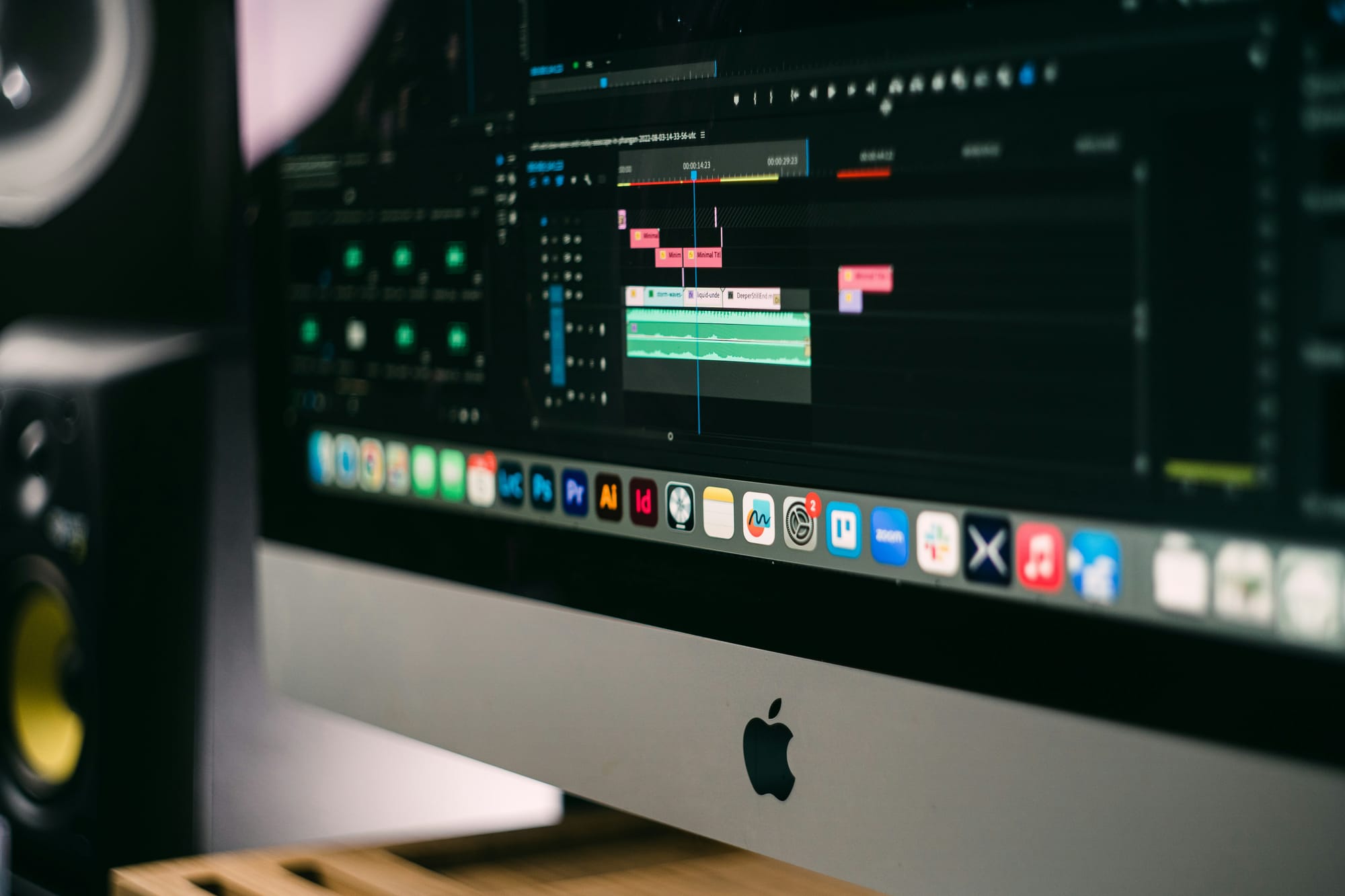
Using the wrong editing software can slow your progress. It also leads users to believe they must accept limits that shouldn't exist. This belief is formed before they even learn the skills to go beyond these limits.Users become accustomed to software crashes, accept low-quality exports, and believe that achieving professional results requires years of frustration. On the other hand, people who use better tools learn faster, publish more often, and build strong portfolios that help them open doors they might otherwise struggle to access.
When an editor spends 40 minutes rendering a three-minute video, they are less likely to try new approaches. Users end up sticking with a single export and hoping it will work; testing different options becomes a time-consuming task they can’t afford to take on.
A 2022 Adobe Creative Workflow report found that inefficient tools increase post-production time by 35-45% for creators working with high-resolution footage. This isn't just time wasted; it also means missing out on creative choices, as trying new things becomes too expensive. Tools like our clip creator tool enhance efficiency, allowing you to focus on your creativity rather than the limitations of basic software.
How do editing tools affect creativity?
One creator mentions shooting 4K videos but experiencing constant lag during playback. The camera app drains the battery faster than any other software, and rendering becomes a performance bottleneck. This situation forces them to address technical issues rather than focus on their edits.Creators end up planning around their tools' limitations rather than their creative vision. When the software becomes the bottleneck, output suffers not because ideas are weak, but because testing them requires more patience than they have.
Basic editors let you cut clips and add music, which feels fine until you try to match a professional video's look and discover their limits.Without advanced color grading, LUT support, motion tracking, or beat-sync automation, features that help with cutting in rhythm without manual scrubbing, Crayo's clip creator tool can pave the way for overcoming these creativity blocks.
Are basic tools hindering your skill development?
Many people convince themselves that they are still learning and that professional tools can wait for later. However, learning with limited tools builds limited skills. Users often resort to workarounds rather than learning essential techniques. When they finally get better tools, they have to unlearn the habits formed using software that couldn't do what they needed.A creator, after six weeks of using poor tools, realizes that they lack RAW photo capability, which even older and cheaper devices offered. They describe this realization as "hilarious," which suggests they are more frustrated than amused. This decline in abilities feels punitive to moving forward.
Some apps hide features in confusing menus. Timelines can feel messy. Keyboard shortcuts either don't exist or clash with muscle memory from other software. Nielsen Norman Group's UX studies show that poor interface design can increase task completion time by up to 50 percent in creative software.
How does editing software impact your workflow?
Editing should flow smoothly. Creators should focus on pacing, emotion, and visual storytelling rather than struggling with an opacity slider or trying to remember where to find the required transition in a nested menu.When the interface becomes a barrier, editing becomes stressful rather than satisfying. This makes finishing sessions feel draining rather than energizing. Over time, the software's complexity can discourage users from editing, as they feel too tired to create anything worth sharing.
Many people spend hours perfecting color, syncing cuts to the beat, and improving transitions. However, when exporting and uploading, the video may appear softer, with colors shifting and details disappearing in moving sequences.While it’s easy to blame the platform, the problem often stems from the editor's weak export engine, which compresses footage excessively before it reaches platforms like YouTube or Instagram. That's why using a robust editing tool, such as our clip creator tool, can significantly enhance the overall quality of your videos.
What are the drawbacks of basic export settings?
Basic editors use default codecs that prioritize file size over quality. They don't let you control the bitrate or choose settings for specific platforms. As a result, the video may appear unprofessional, even if your creative choices were strong.A Fiverr Pro creator survey from 2021 showed that creators with high-quality production portfolios earned more than twice as much as those with basic edits. The market values polished work, and your export settings will determine whether your project is evaluated on its quality or dismissed before the first verse ends.
How do editing tools shape your growth?
Every hour spent editing either builds professional skills or strengthens bad habits. When software is slow, limited, and frustrating, people practice less, which means they improve more slowly and remain average for longer.Consider two artists with the same talent who start making videos. One uses a simple mobile editor, waits 40 minutes to export each video, struggles with color correction, and posts only once a week. On the other hand, the second artist uses advanced tools, such as our clip creator, applies filters easily, exports in five minutes, and posts three times a week.
After three months, one artist has a portfolio that attracts collaboration offers, while the other is still trying to figure out why their videos don’t look professional.
What happens to your editing journey with poor tools?
The traditional path involves scattered tutorials and weeks of trial-and-error, resulting in a workflow built through trial and error. As your goals increase and consistent output becomes important, this broken process causes bottlenecks. People often fix technical problems rather than make creative choices.Tools like Crayo's clip creator accelerate the learning process by automating beat detection, subtitle timing, and background removal. This lets you concentrate on artistic choices while the platform handles the technical details. As a result, skill development speeds up because you're working on creative judgment, not just figuring out software.
What do low-quality edits signal to others?
Low-quality edits don't just look unprofessional; they show potential collaborators, labels, and clients that you're not ready. Viewers might scroll past your video not because your music is weak, but because the overall presentation makes it seem like you don't take your work seriously. Because of this, you could miss chances you never knew about.Decision-makers often judge your portfolio in seconds, and muddy exports or clumsy cuts can end their interest before they even hear your hook. To enhance your editing quality, consider using our clip creator tool to streamline your process and improve your content presentation.
How does editing software affect the perception of your work?
Your editing software isn't neutral; it shapes how fast you learn, how skilled you become, and how others see your work. If your tools slow you down, limit your choices, and create exports that hurt your effort, your growth stops, no matter your talent or dedication.
It only matters that you know your tools are holding you back if you understand what better looks like.
Related Reading
- Video Editing Workflow Checklist
- PC Specs for Video Editing
- How To Start Editing Videos
- How To Practice Video Editing
- Mac Vs Pc For Video Editing
- How To Make A Video Editing Portfolio
- Video Editing Tips And Tricks
- How To Make Money Video Editing
- Best Free Video Editing Apps For Android
- How To Organize Video Files For Editing
- How To Edit Video In Google Drive
- Creative Video Editing Techniques
10 Music Video Editors That Help You Edit Like a Pro Fast
To create studio-quality music videos in just three hours, you need tools that automate repetitive tasks, make creative decisions easier, and let you focus on storytelling instead of technical details. The editors listed below are selected for their ability to reduce editing time without compromising quality. Each editor helps solve a specific problem that can slow creators down.
1. Crayo AI
Use Crayo to automatically turn raw performance clips and visuals into polished, social-ready music videos. Just upload your footage, select a music video template, and let Crayo auto-cut, sync, and format your video. The platform exports your finished product right away. Crayo takes care of trimming, pacing, captions, and layout: the tasks that often take up the most editing time.
Consider this example: An artist uploads 12 minutes of studio footage. Crayo makes a 90-second cinematic reel with cuts that match the beat in under 10 minutes. Instead of editing all night, they can post the video on the same day.
It's possible to create a professional music video in 20 to 30 minutes because the platform eliminates manual scrubbing, caption timing, and background removal, allowing you to focus on creative choices while automation handles the detailed work.
2. Adobe Premiere Pro
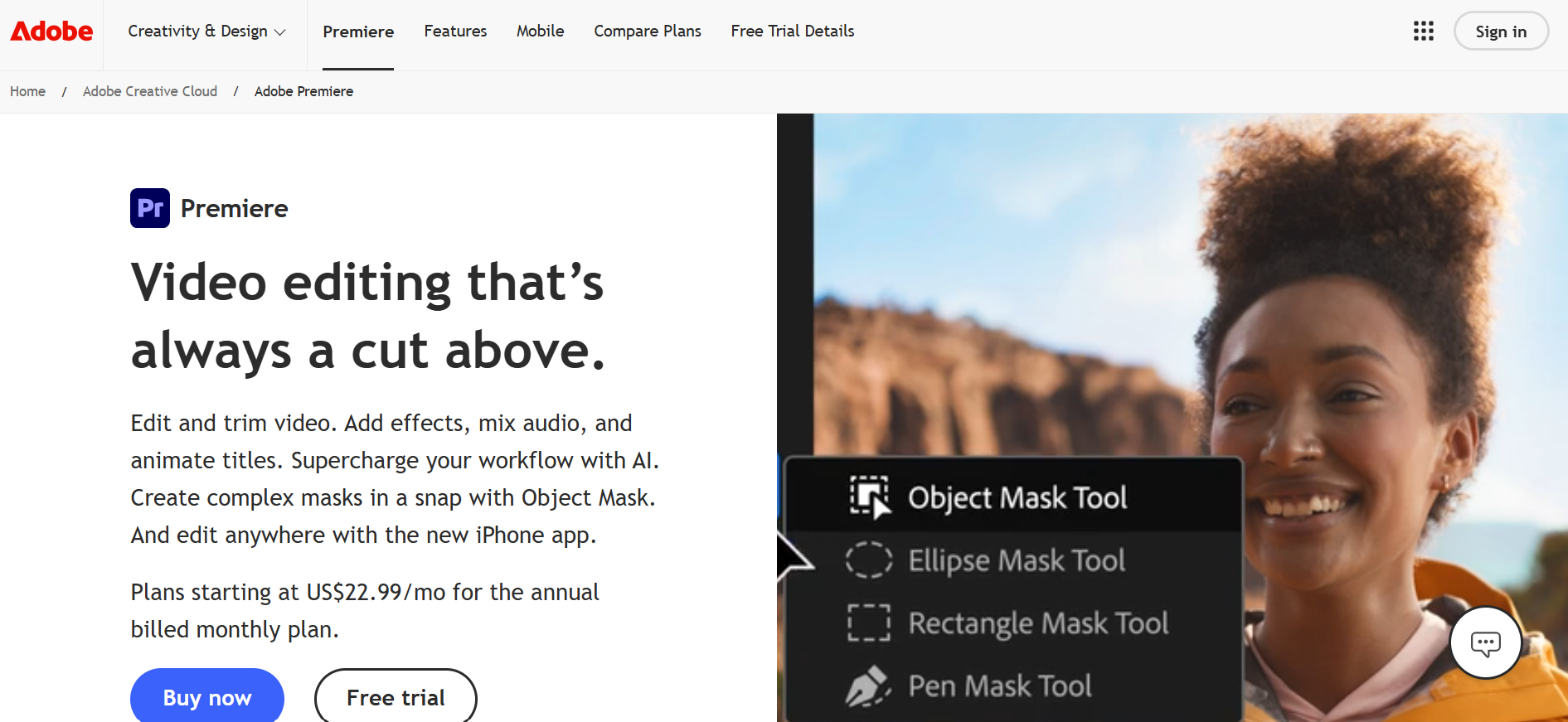
Use Premiere for client projects or full-length videos. Import footage, apply presets, sync to audio, and export in high quality. This software integrates seamlessly with After Effects and Photoshop, enabling a smooth workflow for motion graphics, advanced compositing, and image manipulation without switching platforms.
You can deliver commercial-grade projects because the system supports complex production pipelines that professional studios rely on, and our clip creator tool simplifies content generation, enabling quick, efficient delivery.
3. DaVinci Resolve
Use Resolve to give your video a cinematic look. You can apply LUTs, adjust contrast, balance skin tones, and enhance highlights. It offers Hollywood-level color tools in the free version, making professional-grade grading accessible without a subscription.This allows your footage to look dramatic and polished. The node-based color workflow gives you precise control over visual elements, including shadow detail and highlight rolloff. If you're looking to streamline your editing process, consider our clip creator tool, which simplifies and enhances your workflow.
4. Final Cut Pro
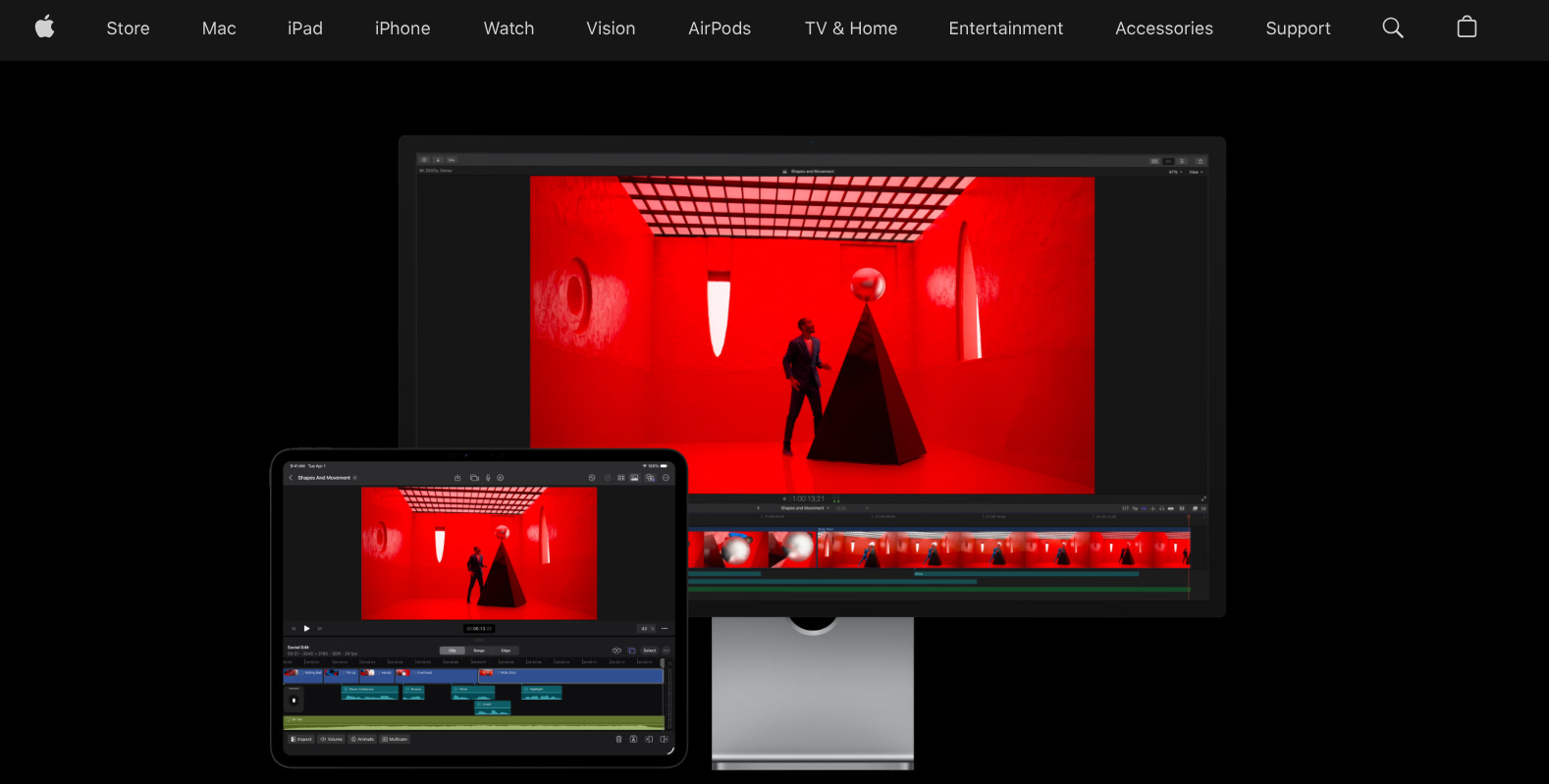
Final Cut is a great choice for Mac users. You can easily drag clips, apply templates, and render quickly. Its optimization for Apple hardware enables background rendering while you work, so there are no delays between creative decisions and playback.You will finish edits faster with the magnetic timeline, which prevents accidental clip shifts. Also, the Metal-based rendering engine uses every processor core effectively.
5. CapCut
Use CapCut for TikTok, Instagram, and YouTube Shorts. It allows users to import clips, apply filters, sync music, and export clips with ease. The app has a very easy-to-use interface with trend-focused templates that follow current styles on these platforms. Quick, trendy edits are possible because the app understands social media formats and includes effects that perform well in the algorithm.
6. Filmora
Use Filmora if you're new to desktop editing. This software lets you drag clips, add effects, and use presets. With a short learning curve, you can begin editing just a few minutes after opening the program, not hours. The interface focuses on common tasks rather than advanced features, making learning easier.
7. LumaFusion
Using LumaFusion on tablets allows for multi-track editing, color tools, and audio sync. This software runs on the iPad with the precision of desktop applications. With professional features available on mobile, users can edit high-quality videos while commuting, on location, or anywhere else without needing a laptop.High-quality edits can be done without a laptop because the touch interface is made for efficiency, not adapted from workflows designed for a mouse. If you're looking for a robust solution to enhance your video editing experience, our clip creator tool offers a smooth way to create standout content.
8. HitFilm
Use HitFilm for cinematic effects. You can add motion blur, light effects, and transitions without switching to separate compositing software. The built-in VFX tools include particle systems and 3D camera tracking that integrate directly into the timeline. As a result, your videos achieve a movie-like quality, with effects rendering in context, allowing you to see how they interact with your footage in real time.For creators looking to enhance their videos smoothly, our clip creator tool simplifies the process.
9. Shotcut
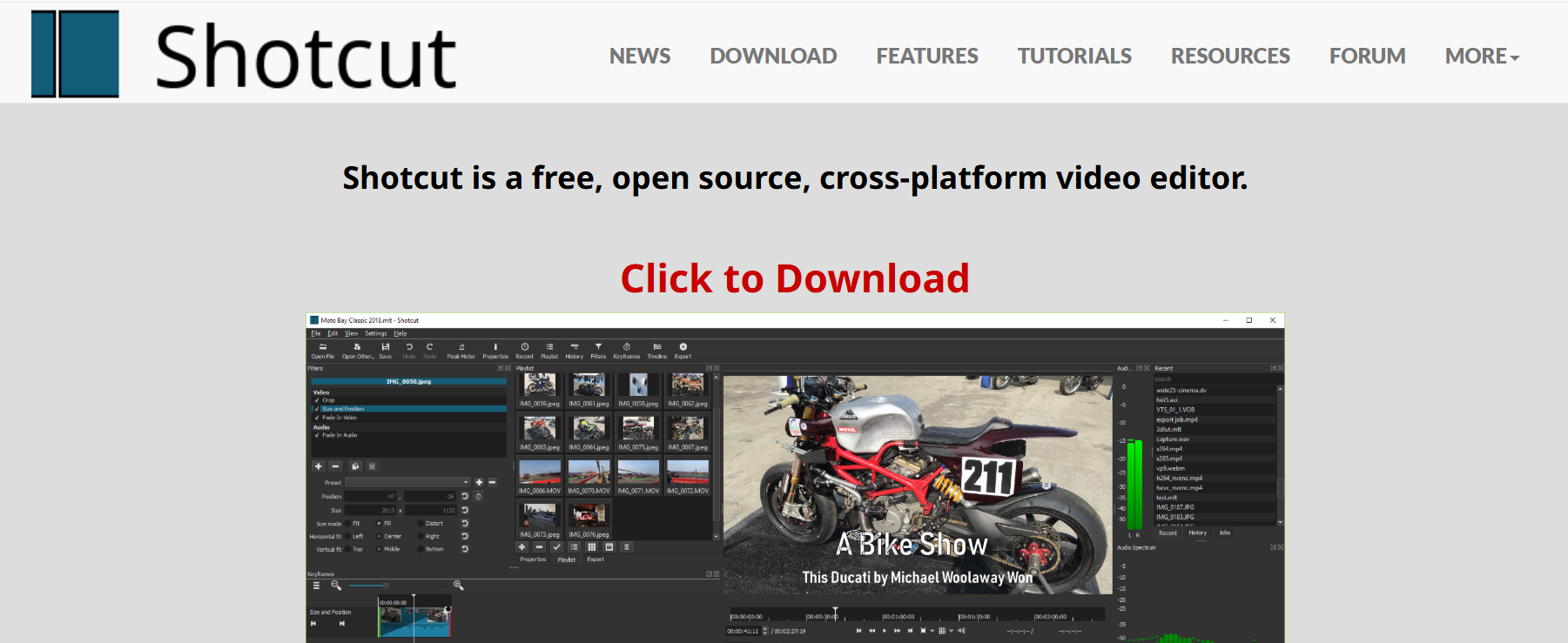
Use Shotcut if you want free editing. You can import clips, apply filters, and export your projects without any cost. Its decent performance and lack of watermarks on exports make it a good choice for creators who are trying to see if video production works for them.Beginners often get solid results because the open-source community keeps it compatible with most file formats and codecs without licensing restrictions. If you’re looking for more intuitive options, consider using Crayo's clip creator tool to enhance your video editing experience.
10. Lightworks
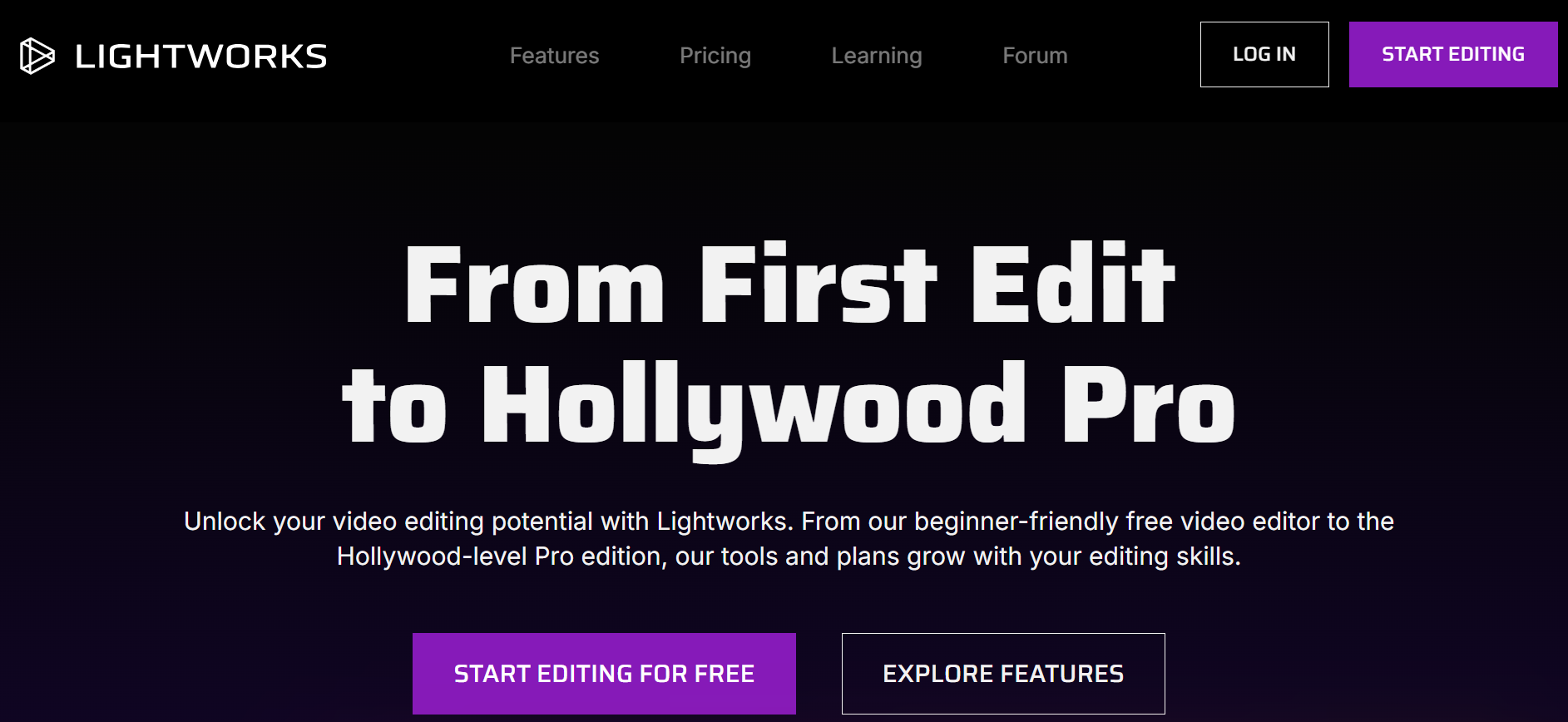
Lightworks enables precision editing by allowing you to trim frame by frame, sync to beats, and export with broadcast-quality settings. It is used in professional film production for projects requiring precise timing and delivery across multiple formats. This results in high-quality pacing, achieved through keyboard-driven workflows that prioritize speed over visual polish. This helps experienced editors work faster than they would with mouse-based methods.
How to streamline your editing workflow?
Combining the right software with an effective workflow eliminates manual trimming, repetitive exports, guesswork, and formatting stress. Instead, use presets, templates, AI automation, and fast rendering processes.Our clip creator tool simplifies the process, allowing users to focus on creativity rather than technical tasks.
According to PCMag's 2026 video-editing software analysis, the gap between professional and consumer tools has narrowed significantly.Automation features are now standard in mid-level editors that used to require expensive enterprise budgets, as shown in the analysis of professional service quality.
What challenges are faced in traditional editing?
The traditional approach to editing music videos involves manually finding beats, placing captions frame by frame, and exporting multiple times to test different formats for each platform. As release schedules tighten and the need for steady output across multiple channels grows, this broken process is causing significant delays.
Editors spend more time on technical tasks instead of making creative choices. Tools like Crayo's clip creator make this process easier by automatically finding beats, syncing subtitles to the audio, and removing backgrounds without needing green screens.This lets creators focus on selecting shots that evoke emotion, while the platform handles the technical aspects that make videos look professional. As a result, turnaround times are shorter because the focus is on artistic decisions rather than technical issues.
Why is speed important in video editing?
Most creators waste time cutting clips, adding captions, resizing for platforms, and re-exporting. Each task feels small on its own, but together they consume hours that could have been used for filming new content, improving performance, or connecting with the audience. Speed isn't just about hurrying; it's about making the path from your idea to the completed video smoother.
When editing takes three hours rather than three days, creators can test ideas more quickly and post more frequently. This helps them keep up with trends while they're still popular and build momentum that accumulates over weeks rather than months.The people who grow the fastest aren't always more skilled; they're just more dependable. This reliability requires workflows that don’t tire them out before they’ve even shared anything, and that’s where our clip creator tool enhances efficiency.
How to structure your editing process?
Knowing which tools fix which problems is helpful. But it is also important to organize your editing process effectively.
Your 3-Hour Music Video Editing Plan
Making a studio-quality music video in three hours is possible with a clear workflow that breaks preparation, assembly, refinement, and export into distinct phases. Each phase has a clear outcome that connects to the next, reducing confusion and decision fatigue.
This method isn't just about working faster; it's about working in the right order to maintain momentum rather than slowing down.
Phase One: Organize Before You Edit (First 20 Minutes)
Begin by making a project folder on your desktop and name it after the song. Inside, create four subfolders called Performance, B-roll, Audio, and Exports. Move every video file into the correct subfolder. Delete clips where the camera was running but didn't capture anything useful.Rename the remaining files to indicate their content rather than relying on timestamps. For example, "Chorus_Take3.mp4" provides more detail than "IMG_4782.mp4" when viewed on the timeline at 1 a.m.
This step might seem boring. Many creators skip it because they want to start editing right away. According to Backlinko's 2024 YouTube analysis, first-page videos average 14 minutes and 50 seconds. This suggests that longer content needs more complex organization to keep viewers engaged during longer runtimes.When you have many clips from different takes and angles, poor organization makes every decision harder. You waste mental energy remembering where the wide shot is instead of focusing on pacing. Our clip creator tool streamlines the process, ensuring a smoother editing experience.
Finish this phase knowing exactly where every asset is located. You should be able to find any clip in under five seconds without scrolling or searching.
Phase Two: Rough Assembly (Minutes 20 Through 60)
Import your organized clips into your editor. Start by dropping the audio track onto the timeline; this becomes your structural foundation. Everything else will sync to it. Review your performance clips and identify the strongest takes for each part.Drag them onto the timeline in song order: intro, verse, chorus, verse, chorus, bridge, final chorus, outro.
At this stage, don't worry about transitions or color changes. Avoid trimming clips to exact lengths as well. Focus on building a complete sequence that follows the song from start to finish, using your best footage.If a clip is too long, let it run past the section boundary; you can tighten it later. Right now, you need to show yourself that you have enough material to finish this video.
Many editors get stuck here because they try to perfect each edit before moving on to the next clip. For instance, they might spend 15 minutes choosing between two nearly identical takes of the second verse. This slows down progress.Wanting everything to be perfect during the rough assembly creates a trap where you're always refining instead of moving ahead. Choose the better take in 10 seconds and keep going; you can change it later if needed, but you can't refine what isn't there yet.
By the 60-minute mark, you should have a complete rough cut that plays from start to end. It won't look polished, but it will feel like a real music video rather than random footage.
Phase Three: Visual Refinement (Minutes 60 Through 110)
Amateur footage can be made to look professional with a few key improvements. Start with color correction. Use a LUT or preset that fits your video's mood: warm tones for close acoustic performances, cool, less colorful tones for moody alternative tracks, and bright, vibrant colors for lively pop.Most editing software has preset packs. Pick one and apply it to every clip. Consistency is more important than finding the perfect style.
Next, stabilize shaky shots using your editor's warp stabilizer or a similar tool. This helps reduce handheld shake, which often makes footage look 'shot on a phone without a gimbal.'Then, add transitions between clips, keeping them simple. Use crossfades between verses, quick cuts on beat hits, and whip pans to connect different locations. Avoid complicated effects that take attention away from the song.
Adjust brightness and contrast to ensure faces are properly lit, and backgrounds are clear. If a clip is too dark, lift the shadows. If highlights are too bright, tone them down.You're not making a cinematic masterpiece; you're ensuring that every shot is easy to watch and enhances the overall look, rather than breaking immersion. For further improvements, consider integrating our clip creator tool to streamline your video editing process.
Traditional editing involves reviewing waveforms to identify beat markers, cutting frame by frame, and continually checking sync accuracy. As release schedules accelerate and steady output becomes critical, this manual process can slow progress. Solutions like Crayo's clip creator tool automatically find beats and snap cuts to rhythmic markers.This eliminates repetitive tasks that consume valuable refinement time. You can focus on which shots evoke emotion, while the platform ensures everything is in sync.
Phase Four: Final Polish and Export (Minutes 110 Through 180)
Watch your video all the way through without pausing. Notice any cuts that seem awkward or moments where the energy drops. Go back and fix those parts. Make sure that big visual changes happen on strong beats, especially during the chorus.This synchronization between audio and visual rhythms makes videos feel planned rather than assembled.
Consider adding text overlays as needed, such as the song title and artist name in the intro. If your audience expects them, include lyrics as captions.Ensure the text is readable by using high-contrast colors and avoiding overly decorative fonts.
eMarketer's 2024 study finds that the average U.S. adult spends 48.7 minutes watching YouTube content daily. This substantial viewing time means audiences expect professional presentation standards across all video content, including music videos. If you want to enhance your video production, our clip creator tool helps you streamline the editing process.
What are the best export settings?
Export settings matter more than most creators realize. Use the H.264 codec for the best compatibility. Set the resolution to at least 1080p or 4K if your source footage can support it. Choose a bitrate above the platform's minimum requirement; for example, YouTube recommends 8 Mbps for 1080p at 30 fps.Exporting at 10-12 Mbps will help account for compression. Additionally, ensure the frame rate matches your source footage. If you shot at 24fps, export at 24fps too. Mismatched frame rates can cause judder, which viewers might see as low quality even if they can't explain why.
Before exporting, save your project file. Name the export file clearly, like "SongTitle_MusicVideo_Final_1080p.mp4." This clarity will help you identify later revisions to the file.
Why avoid non-linear editing?
Most creators edit in a non-linear way, jumping from one task to another. For example, they might color grade one clip, cut another, add a transition, and then go back to adjust the color on a different clip.While this way of working feels productive because they are always busy, it can lead to decision fatigue. Each time they switch tasks, their brain must reload context, which causes them to lose momentum. This can lead to weaker creative choices as they become more tired.
How does the structured workflow help?
The structured workflow stops you from switching tasks. You organize everything once, assemble it once, refine it once, and export it once.Each step has a clear endpoint, providing psychological wins that keep you motivated. With this setup, you always know what to do next because the workflow guides you.
Creators who regularly finish music videos do not have more talent or better equipment; they use systems that make it easier to move from their ideas to the final product.
The three-hour workflow is that system. It works well whether you are editing your first video or your fiftieth, as the core principles remain the same, even though you will get faster over time. Our clip creator tool can further simplify this process.
Understanding the workflow is important, but the real benefit comes from starting to use it today.
Create Your First Studio-Quality Music Video Today
If slow tools and long edits have been holding you back, this is your shortcut. Start a free Crayo workspace, upload your footage, and follow the three-hour workflow to make your first studio-quality music video today. One upload is all it takes to turn your music into visuals that look professional, polished, and ready for attention.
The gap between wanting to create and actually finishing your work disappears when friction is removed. You already have the vision and the music. What you needed was a system that respects your time and boosts your productivity, rather than getting in the way. That system is in place and ready for you to use.
Related Reading
- Best Drone Video Editing Software
- Best Video Editing Software For Sports Highlights
- Best Video Editing Software For Content Creators
- Best Video Editing App For Pc
- Best Paid Video Editing Software
- Best App for Video Editing on iPad
- Best Songs For Video Editing
- Best Video Editing Software For Vlogging
- Autopod Alternative