Podcasters frequently face long hours of footage and the complexity of manual types of video editing that stretches across multiple tasks. Automated tools promise solutions, but high costs or narrowly focused features often lead creators to seek alternatives. A range of advanced software now transforms raw recordings into polished audio and video products within minutes, helping to conserve time and budget.
Some solutions combine innovative techniques to address a range of video-editing tasks, ensuring that everything from syncing multiple camera feeds to trimming pause-filled moments is handled efficiently. These tools enable a smooth, creative process, enhancing productivity and overall content quality. For example, Crayo's clip creator tool delivers rapid editing capabilities while keeping creative control in the producer's hands.
Summary
- Manual podcast editing consumes two hours or more per 20-minute episode because creators must remove filler words, cut awkward pauses, fix background hum, normalize volume across speakers, and sync multiple tracks individually. Each task feels small, but together they create a bottleneck that delays publishing, drains motivation, and makes consistency nearly impossible for creators who thought recording was the hard part.
- AI-assisted editing reduces production time by up to 60% for audio and video creators, according to Adobe's digital media reports. Quality no longer depends on manual labor or technical expertise. It depends on smart tools that automate noise removal, silence cutting, voice enhancement, and clip syncing, allowing creators to focus on content decisions rather than technical execution.
- Podcast algorithms reward consistency over perfection. Spotify's creator analytics reports show that consistent publishers grow audiences up to 2× faster than irregular ones. When editing workflows take three days, timely content arrives late and misses the narrow window for relevance. HubSpot research indicates that timely content receives 40% more engagement than delayed content.
- Manual editing actually introduces more errors than automated workflows. Audio engineering studies indicate that manual editing increases error rates by 20-25% compared with automated processes. After two hours of cutting silences and adjusting levels, attention drifts, and mistakes slip through that automated tools catch instantly, especially as fatigue sets in during longer sessions.
- Active, frequent podcast publishers earn 3× more sponsorship offers than low-frequency creators, according to Podnews data on podcast monetization. Slower editing workflows directly limit revenue potential by reducing episode output, shrinking audience reach, and signaling instability to sponsors who prioritize shows with consistent output and engaged audiences.
- Crayo's clip creator tool addresses this by automating the entire clipping workflow (upload, style selection, generation) and combining voice generation with video syncing to create both audio episodes and social-ready video clips in one step, without separate editing sessions for each format.
Why Podcast Editing Still Feels Slow and Technical
Podcast editing often feels slow and technical because most workflows depend on manual work at every step. Even with today’s tools, editors must still find mistakes, remove silences, balance audio levels, and arrange clips manually.Although software has improved since the early 2000s, the basic process remains the same. In the end, you’re still doing the work.
Recording a 20-minute episode sounds easy. However, once you start editing, you quickly see how many tasks there are: removing filler words, cutting out awkward pauses, reducing background noise, normalizing volume between speakers, and syncing multiple tracks when recorded in different locations.Each task may seem small, but together they can take two hours or more.
The frustration comes not just from the time needed but also from the unexpected nature of it all. What you thought would be an easy process suddenly turns into a slowdown in editing. This delay can make it hard to publish, drain your motivation, and make maintaining consistency feel impossible.
What makes traditional editing tools overwhelming?
Open any traditional editing tool, and you will quickly see many buttons, nested menus, waveform timelines, and technical terms such as compressor threshold and sidechain ducking. For those who just want to publish a conversation, this can be very overwhelming.
Most hosting platforms built in the mid-2000s were made for audio engineers, not creators. The idea was that anyone serious about podcasting would learn the technical details. That belief still shapes the number of tools produced today, even though the creator community has changed significantly.
Why do podcasters struggle with technical skills?
Podcasters are storytellers, interviewers, and educators, not sound engineers. They want a simple way to record, edit, and publish. Instead, they find software that requires extensive training.
When you download a tool like AutoPod or a traditional editor, it quickly becomes clear that mastering it needs tutorials, plugins, and memorizing shortcuts.At first, progress is slow, often taking longer to learn the software than to actually edit.
The problem is not with the tool itself, but with the gap between what podcasters need right now and what the software demands. Podcasters want results today, while the software needs a weeks-long investment before it becomes really helpful.Our clip creator tool helps overcome this learning curve by simplifying the editing process.
What happens when technical problems occur?
Many people give up before they ever become skilled, not because they lack talent, but because getting started feels too hard.
Files may not import correctly; audio tracks may go out of sync, and exports can often fail midstream. When the software crashes, creators can lose 30 minutes of work. These aren't just occasional problems; for many, they happen every week.
Each technical issue drains energy that should be used to create content. Instead of feeling excited to publish, you feel exhausted. As a result, episodes can pile up unfinished, making it harder to maintain consistency.
How does emotional stress affect creators?
The emotional cost matters more than people admit; motivation fades slowly, one crashed export at a time.
Many creators believe that professional podcasts require extensive editing. After all, radio shows and large productions have teams to support them. This leads newcomers to believe that extensive editing equates to quality, as supported by sources such as Crayo's tools. Our clip creator tool simplifies editing, enabling creators to produce high-quality content efficiently.
This idea made sense when traditional media set the standard; however, it no longer holds true.
What are the benefits of AI in podcast editing?
AI tools now help remove noise, fill silences, improve audio quality, and sync clips. According to Adobe's digital media reports, AI-assisted editing can reduce production time by up to 60% for audio and video creators.Quality no longer relies on manual work. It relies on smart tools.
A beginner podcaster who records weekly interviews used to spend one hour recording and two hours editing. After switching to AI-based tools, the editing time dropped to just 10 minutes. This change did not affect their talent; it only improved their workflow.Now, they can publish episodes three times a week rather than once a week. Additionally, our clip creator tool enhances editing efficiency, ensuring you have the perfect segments ready for your audience.
What shifts in the editing process are possible?
Platforms like Crayo's clip creator tool handle the tedious tasks of syncing angles, removing dead air, and generating social clips, while letting users control the final product.This change in workflow shifts the holdup from technical work to creative decisions, where it should have been from the start.
The previous trade-off was simple: fast editing meant low quality, while high quality meant slow editing. This clear choice affected how creators handled production.
Now, automation can do precise tasks faster and more reliably than manual editing ever could. This means quality is no longer sacrificed for speed; users benefit from tools that perform well in both areas.
The real change goes beyond just saving time. It removes the technical barriers that once kept creators from focusing on what really matters: the content itself.
What are the risks of relying on single tools?
While speed and automation help with some challenges, they do not fix all problems.Dependence on a single tool or manual method can pose serious risks.
Related Reading
- Types of Video Editing
- Long Does It Take to Edit a YouTube Video
- How Long Does It Take to Edit a Music Video
- What Is an Overlay in Video Editing
- Is CPU or GPU More Important for Video Editing
- Can I Edit a YouTube Video After Posting
- Is Video Editing a Good Career
- Beginner’s Guide to Video Editing
- Video Editing Basics
The Hidden Cost of Relying on Manual Editing and One Tool

Slow editing doesn't just delay episodes. It quietly reduces your reach, limits how much money you can make, and drains the energy you need to stay consistent.The cost isn't always clear at first. It builds up over weeks and months until you notice you're working harder while growing more slowly.
When editing takes hours for each episode, your publishing schedule suffers first.
You plan to produce three episodes per week. But in reality, you might get out one or even none.
The thinking makes sense: "I'd rather take my time and get it right."
But podcast algorithms don't reward perfection. They reward consistency. Shows that publish on a regular basis appear more often in recommendations, keep listener attention better, and rise in discovery rankings faster. Irregular schedules make platforms and audiences question your reliability.
How does editing speed affect audience growth?
Spotify's creator analytics reports show that consistent publishers grow audiences up to 2× faster than irregular ones. This gap isn't small; it's the difference between steady growth and constant reinvention.
Trends move quickly in digital media. A topic that feels important today can become old news by next week.
If your editing process takes three days, your response to breaking news or trending topics will be late. By that time, the conversation had already moved on. Your best insights may come when the audience is no longer paying attention.
According to HubSpot research, timely content averages 40% more engagement than delayed content. The opportunity for relevance is small; miss it, and even strong ideas might not catch on.
Speed isn't about rushing; it's about capturing moments when your message is important.
What happens to motivation during long editing sessions?
Long editing sessions can drain your focus and motivation in ways that feel gradual until they become overwhelming.
At first, you sit down to edit for two hours, and the work feels manageable. But by the end, you might feel tired, frustrated, and start dreading the next episode. Podcasting, which used to feel creative, can start to feel like a grind.
Many creators begin to accept this as normal, thinking, "This is just part of being a creator."
However, burnout isn't something you have to accept; it’s a workflow problem that seems like a test of character. Data on manual, repetitive tasks show that 56% of employees feel burned out by work that could be automated. Creators face the same problem.The tasks that tire you the most are often those that machines can do more efficiently. Additionally, using our clip creator tool can streamline repetitive tasks and reduce editing workload, allowing you to focus on your creativity.
How does reliance on one tool impact your workflow?
When editing gets tiring, creators often give up before they reach an audience size that makes everything worthwhile.
Relying entirely on a single editing tool may seem efficient, but it can create issues when changes occur.
Software updates can break a favorite feature. Unexpected price changes can occur, and bugs may arise, disrupting production for days. Ultimately, the workflow breaks down because everything was built around a single platform.
Learning multiple tools can seem like extra work, so most people stick with what they know, even if it limits their options. However, consider how diversifying your toolkit can enhance your creative process. Our clip creator tool simplifies editing and keeps your workflow smooth.
How can diversifying your tools help?
The problem isn't the tool itself; it's the associated vulnerability. When your process relies on a single software tool, you're only one update away from chaos.Diversifying your toolkit builds resilience. If one tool doesn't work, you have other options ready to use.
Platforms like Crayo's clip creator tool manage the repetitive clipping work, like uploading, choosing styles, and generating, while keeping the process simple enough that switching between tools doesn't mean you have to relearn everything.As a result, the bottleneck shifts from mastering the tools to making creative decisions.
What are the financial consequences of slow editing?
Fewer episodes lead to fewer sponsorship opportunities, smaller audiences, and in the end, less income.
A podcaster who publishes once a week reaches fewer listeners than one who publishes three times. Sponsors are attentive; they focus on shows with regular output and engaged audiences. If a podcast has irregular publishing, it shows instability.
Data from Podnews on podcast monetization shows that active, frequent publishers receive three times as many sponsorship offers as those who publish less often.The difference isn't just about quality; it also concerns reliability and reach.
Editing speed directly affects potential earnings. Quicker workflows allow podcasters to take on more clients, create more episodes, and grow their audience, which in turn attracts better opportunities.
Does careful editing guarantee fewer mistakes?
The belief that careful, slow editing produces fewer mistakes does not hold up under fatigue.
After two hours of cutting silences and adjusting levels, attention begins to drift. As a result, awkward transitions are missed, and volume inconsistencies slip through. Mistakes that automated tools catch instantly go unnoticed because of fatigue.
Audio engineering studies show that manual editing increases error rates by 20-25% compared with automated workflows. As sessions lengthen, accuracy declines significantly. The "careful" method becomes less reliable the longer someone works. Using our clip creator tool can streamline editing and reduce common mistakes.
What are the cumulative effects of slow workflows?
Automation doesn't just save time; it keeps content consistent across episodes and catches problems that human editors might miss when their focus slips.
A three-hour editing session may not seem like a big deal by itself. But when you think about it, over four episodes each month for a whole year, that's 144 hours spent on tasks that could only take 20.
This means nearly four full workweeks are lost to repetitive technical tasks rather than to content creation, audience engagement, or business growth. Our clip creator tool streamlines these processes.
The opportunity cost is real; it includes the episodes you didn’t publish, the clients you couldn’t work with, and the income you lost. Small problems can accumulate into significant limitations over time.
What happens when you stop accepting slow workflows as something you just have to deal with and start looking for better solutions?
7 Best AutoPod Alternatives for Fast Podcast Creation
1. Crayo AI Handles Voice, Video, and Publishing in One Place
Most podcast tools handle one step well. Crayo combines voice generation, audio editing, and video creation in one workspace. You paste a script, create an AI voice, sync it with visuals, and export a finished episode: all without switching between apps or manual file transfers. Our clip creator tool streamlines the process further, enabling you to effortlessly create engaging audio clips.
The workflow moves quickly because the tool removes decision fatigue. There's no need to search for the right plugin or wonder which export setting to choose. The platform assumes you want speed without giving up control. You still choose the style, pacing, and format; the software handles the repetitive execution.
This is especially important when making several episodes each week. The time saved on technical setup adds up quickly; what used to take two hours now takes only ten minutes. This difference isn't just about convenience; it's the gap between publishing once a week and three times a week.
2. Descript Lets You Edit Audio Like a Document
Traditional waveform editing needs precision; you zoom in, find the exact moment, cut, and adjust. Descript changes this whole process. It allows users to upload their recordings and automatically generates a transcript.When you edit the text, the audio changes too. For instance, if you delete a sentence in the transcript, that part disappears from the audio.
This method works really well for interview-style podcasts where conversations can wander or repeat. Users can change entire sections by cutting and pasting text, so there’s no need to search through waveforms or remember keyboard shortcuts.
The tool also makes it easy to remove filler words by editing the text. Users can highlight all "um" or "uh" s in the transcript and delete them at once. The audio adjusts immediately, making what used to require manual listening and cutting a task that now takes just a few seconds.
3. Riverside.FM Captures Studio Quality Before Editing Starts
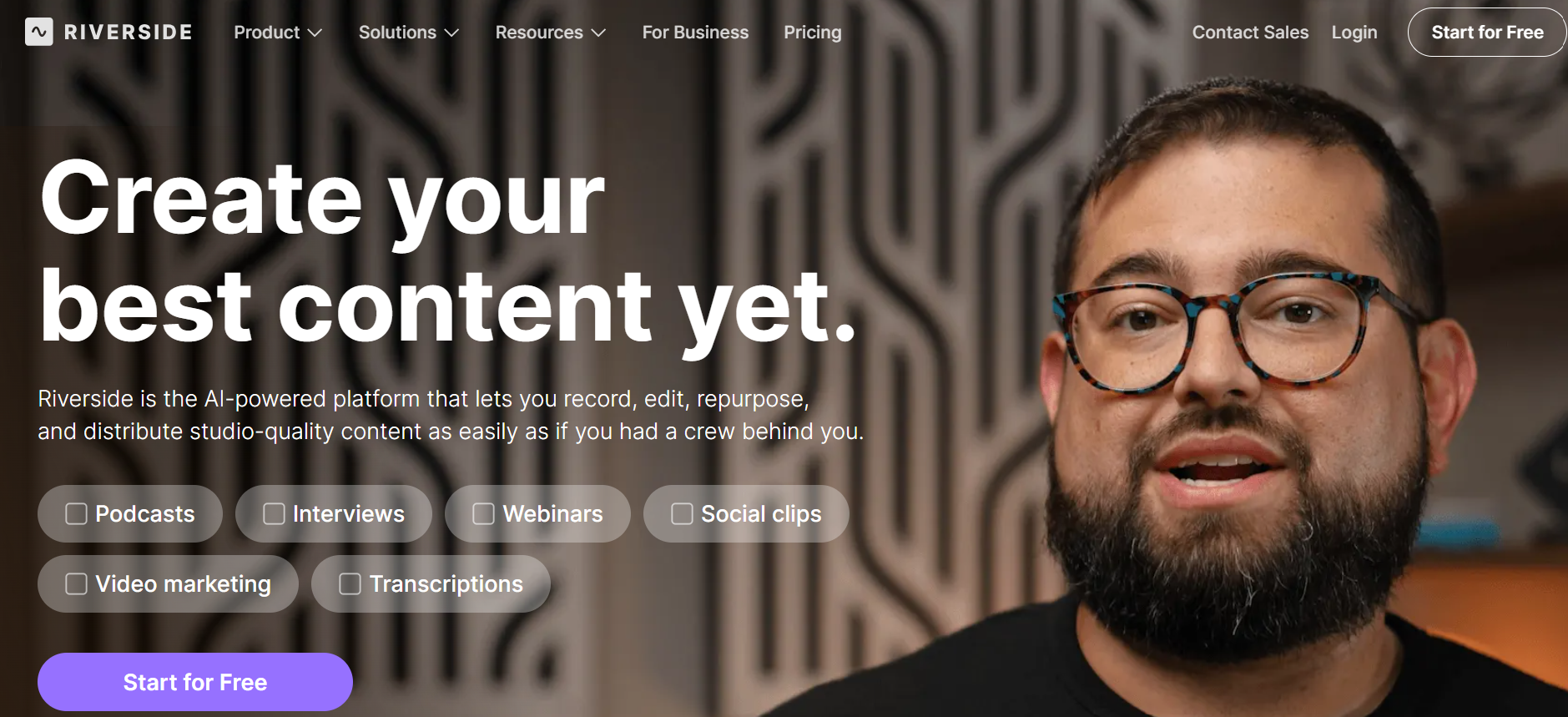
Most remote recording tools compress audio during transmission, which can degrade quality before editing begins. Riverside records audio locally on each person's device and uploads high-quality files after the session. This method gives separate tracks for each speaker, recorded at full quality.
Separate audio tracks are essential during editing. If one guest's audio has background noise, that track can be cleaned without changing the others.If someone speaks too quietly, the volume can be adjusted automatically. This flexibility comes from how the tool records audio, not just how it edits it later.
According to ToolJunction's 2025 analysis of podcast editing tools, clean source recordings make post-production easier. When audio quality is good from the start, less time is spent fixing issues, allowing more time for content refinement. Our clip creator tool further enhances the editing experience by enabling seamless adjustments.
4. Adobe Podcast Fixes Poor Recordings Automatically
Background hum, echo, and inconsistent volume can be issues in home recordings. Adobe Podcast uses AI to enhance voice clarity and remove unwanted noise. Users can upload a file, apply the enhancement, and then download a cleaner version.
This tool does not require any technical knowledge about compression ratios or EQ curves. It analyzes the audio and automatically applies the necessary corrections. The result is sound quality that matches studio standards without requiring manual adjustments.
Adobe Podcast is best used as a first step before doing detailed editing. Users can clean the audio first, then go to their main editing tool with better source material. The time saved on manual cleanup adds up over many episodes.
5. Podcastle Simplifies the Entire Workflow for Beginners
Many creators give up on podcasting because the technical challenges seem too tough. Podcastle makes it easier by bringing together recording, editing, and AI voices in one place. The design is for users learning as they go, not those already familiar with audio engineering.
The tool has templates for popular podcast styles. When a user picks one, the software helps them through each step.It allows them to record an intro, add music, and arrange different parts. The interface clearly shows the next steps without confusing users with too many options.
For someone producing their first episode, this setup eliminates the guesswork. Users do not need to worry about missing a step or setting something up wrong. The tool really helps users keep making progress.
6. Auphonic Balances Audio Levels Without Manual Tuning
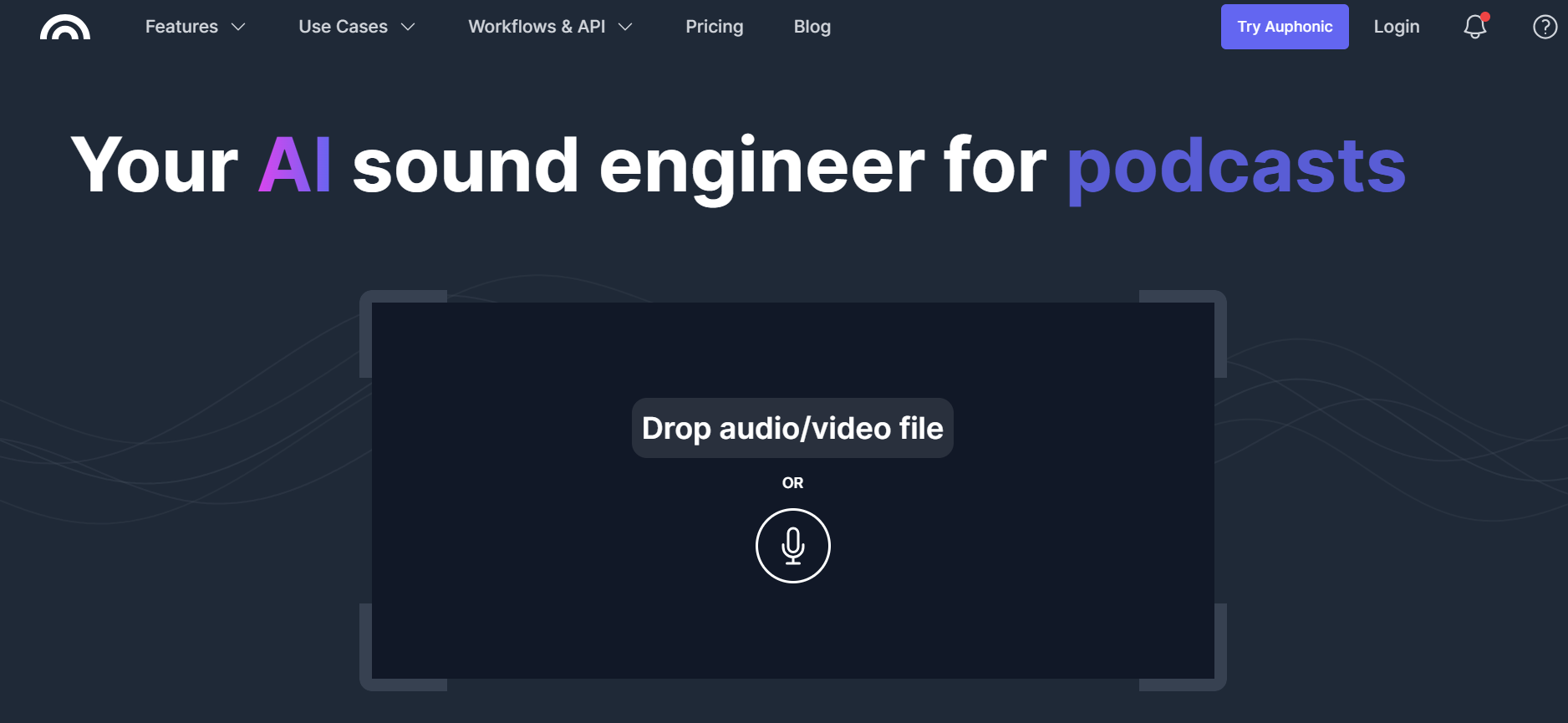
Volume inconsistencies can make podcasts sound unprofessional; one speaker may be too loud while another is too quiet. Auphonic automatically balances levels across the whole episode. It also removes low-frequency noise and optimizes loudness for different platforms.
The tool serves as a final polishing step after content editing. Before publishing, run the file through Auphonic. It handles the technical audio standards so users don't have to learn them. Our clip creator tool further streamlines the editing process.
This consistency is even more important as the audience grows. Listeners want reliable audio quality throughout episodes.Manually adjusting levels can take a lot of time and requires trained ears. Automation ensures that quality standards are maintained without adding extra work.
7, Cleanvoice AI Removes Filler Words and Dead Air
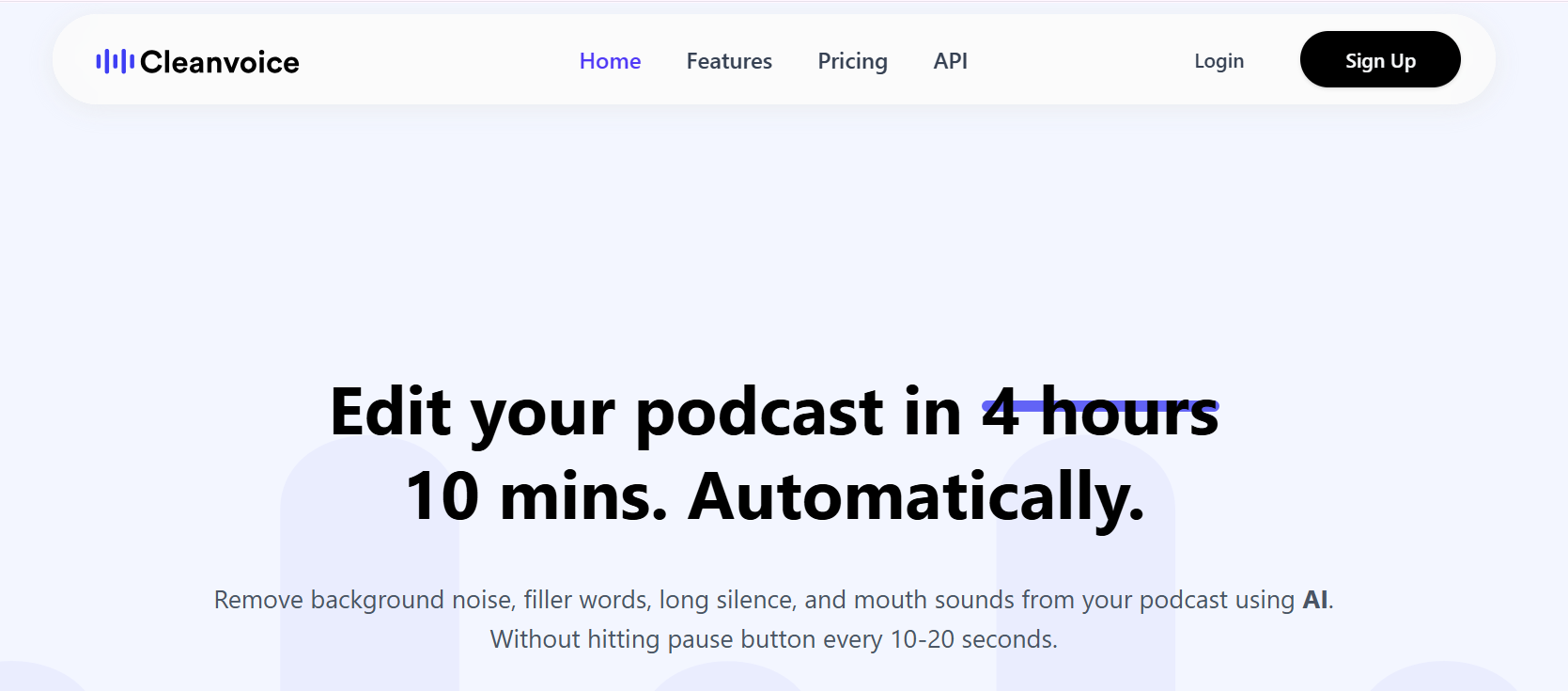
Conversational podcasts naturally include pauses, filler words, and moments when speakers pause to find the right phrase. Cleanvoice spots these patterns and removes them automatically.The tool identifies ‘um,’ ‘ah,’ ‘like,’ and long silences, then removes them automatically.
Teams often report that cleaning up natural speech patterns takes more editing time than any other job. Listening to an entire episode to catch every filler word feels boring. Automated detection handles this in minutes rather than hours. Our clip creator tool streamlines the process, enabling teams to focus on content creation rather than tedious edits.
The result sounds tighter and more engaging. Listeners stay focused on the content rather than being distracted by pauses. This change in the editing process moves from repetitive cleanup to making creative decisions about structure and flow.
What does Crayo's clip creator tool offer?
Platforms like Crayo's clip creator tool improve the clipping workflow by automating tasks. Users can upload long-form content, select a style, and the tool generates short, shareable clips with captions and formatting applied.The technical work that used to require several tools and careful synchronization now happens in a single step. This solution not only removes filler words but also converts full episodes into content ready for social media without requiring timeline adjustments.
Having the right tools is important, but they only work well if you know how to use them correctly from the beginning.
Create Your First Podcast in 10 Minutes
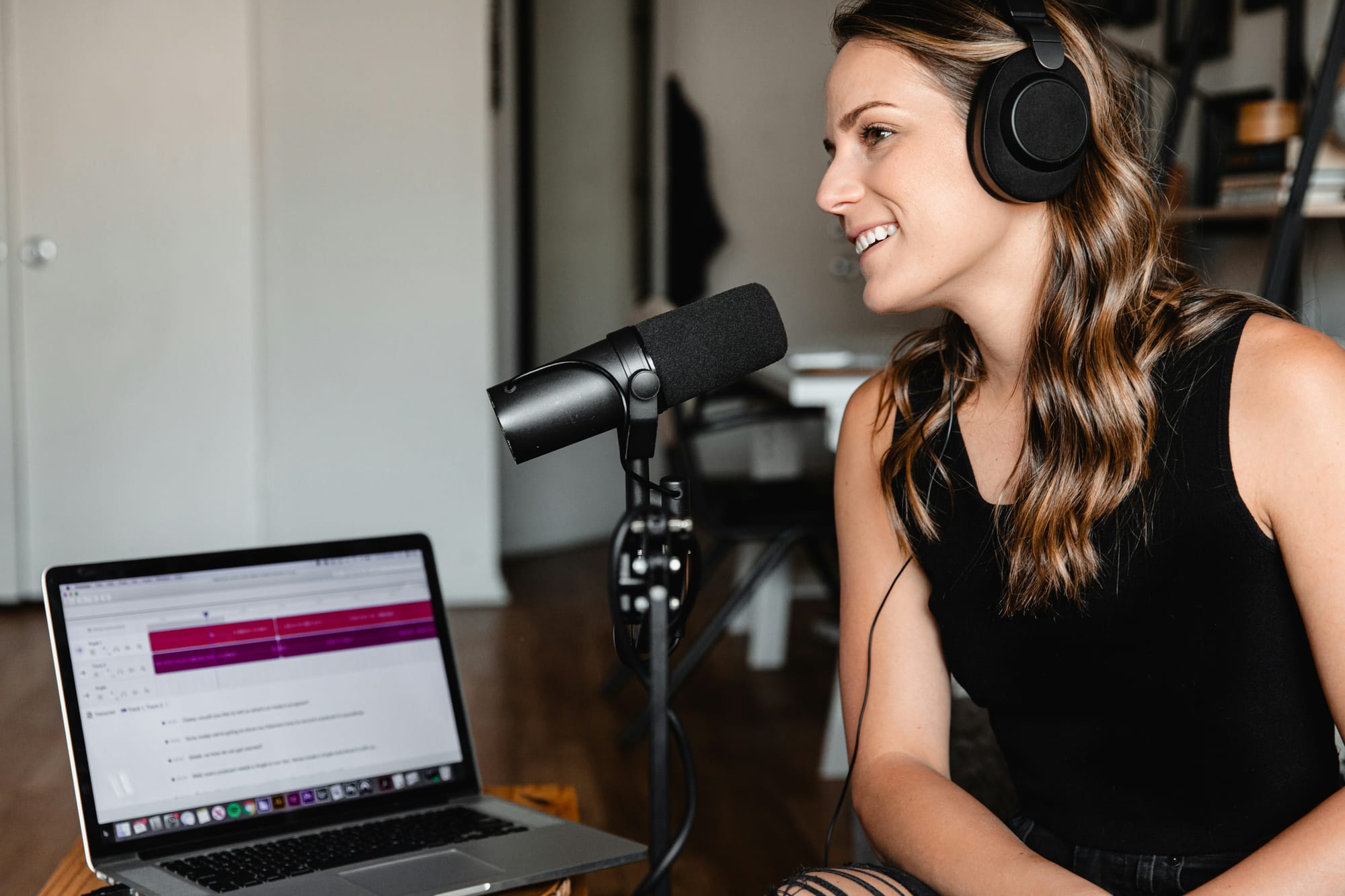
The 10-Minute Podcast Creation Plan
To create your first podcast, you need a script, an AI voice generator, and a simple arrangement tool. That's the whole setup.Many creators wrongly believe that producing a podcast requires extensive recording equipment, soundproofing, and hours of post-production editing. This isn't true. The process that used to take an entire afternoon can now be done in a single focused session.
This change isn't about cutting corners; it's about eliminating unnecessary steps that machines can perform better than people. Voice generation produces high-quality audio without requiring specialized microphone skills.Automated arrangement handles timing and pacing without requiring manual waveform editing. You can focus on the message while the tools handle the work.
Minute 0-2: Write Your Script Structure
Start with five to eight sentences: an opening hook, the main topic, two or three talking points, and a closing line.Avoid making anything too complicated.
This structure keeps you focused, which makes editing easier later.Without a clear plan, recordings can wander off-topic.You might repeat yourself, lose focus, or add content that doesn’t add value to the episode.Fixing these problems later takes significant time.
A clear script also speeds up production. Instead of deciding what to say while the tool generates audio, you will follow a plan you have already reviewed, using our clip creator tool to streamline the process.
Minute 2-5: Generate Audio with AI Voice Tools
To start, paste your script into an AI voice platform. Select a voice style that matches your desired tone, then click Generate.
The audio comes out clean, balanced, and ready to use. You won't have any background hum or volume inconsistencies.Our clip creator tool ensures you don't need retakes if you trip over a phrase. The tool reads your script exactly how it's written, with pacing and emphasis that sound natural.
A beginner podcaster who records weekly interviews used to spend 90 minutes per episode on editing. After switching to AI voice generation, this time dropped to under 12 minutes. The content remained the same, but the production quality improved.
Platforms like Crayo's clip creator tool accelerate the process by combining voice generation with video syncing and automatic clipping. By uploading your script and selecting a style, the tool generates both audio- and social-ready video clips simultaneously.You're not just making a podcast; you're creating a content library that works smoothly across platforms without needing separate editing sessions for each format.
Minutes 5-8: Arrange and Sync Your Content
Add an intro and outro if your format needs them. Adjust the timing between segments to ensure smooth transitions. Preview the episode to find any awkward pauses or rushed moments.
This step stops the choppy feeling that makes amateur podcasts hard to listen to. Professional shows maintain a rhythm, allowing sections to flow into one another without sudden changes in pace or energy.
You're not just adjusting audio levels or changing compression curves; you're making creative choices about the structure and flow. The technical work was done during the generation.If you're looking to create engaging content, our clip creator tool can help you refine your audio into compelling highlights.
Minutes 8-10: Export and Publish
Export your audio file and upload it to your hosting platform. Be sure to add a title and description.
Ensure there are no unfinished drafts in your folders. Avoid thinking, "I'll polish it later." The episode is complete once you export it. Publishing should feel simple, not a creative challenge.
Confirm these five things before you upload:
- Script is clear and focused.
- Voice sounds natural and steady.
- There are no awkward pauses or too-fast parts.
- Volume stays balanced throughout.
- The file exports without errors.
If all five things are okay, the episode is ready. This checklist helps find small problems that might get missed when you move quickly. It takes only 30 seconds and prevents frustration from finding issues after publishing.
Why is AI beneficial to workflow?
The old workflow demanded hours because every step required human judgment. You had to remove filler words by listening to the whole recording. You had to balance volume manually. You had to find each pause to cut the silences individually.
AI, on the other hand, handles pattern recognition faster and more consistently. It identifies filler words across an entire episode in seconds, normalizes volume without manual adjustments, and removes dead air without searching for every pause.
Does using AI affect quality?
Using AI doesn't mean giving up quality for speed. Instead, it means using tools that perform technical tasks better than manual effort. The time you save can be used for content strategy, audience engagement, or just publishing more often. With that in mind, using our clip creator tool can significantly streamline your production process.
In content creation, consistency is more important than perfection. An episode published today is much better than a perfect episode that never gets released.
Knowing the workflow is only part of the picture; the other part is learning how to use these tools in your content creation process.
Related Reading
- Video Editing Workflow Checklist
- PC Specs for Video Editing
- How To Start Editing Videos
- How To Practice Video Editing
- Mac Vs Pc For Video Editing
- How To Make A Video Editing Portfolio
- Video Editing Tips And Tricks
- How To Make Money Video Editing
- Best Free Video Editing Apps For Android
- How To Organize Video Files For Editing
- How To Edit Video In Google Drive
- Creative Video Editing Techniques
Your Next Step (Do This Now)
The workflow exists, and the tools work. What's missing is the decision to start.
Open Crayo, paste one short script, and generate your voice. You can export your first episode in just ten minutes, from start to finish, and it's free to get started.With one finished podcast at the end, you'll spend less time editing audio and more time publishing content. The key difference between creators who grow and those who stall isn't talent; it's the willingness to test what works rather than defend the familiar.